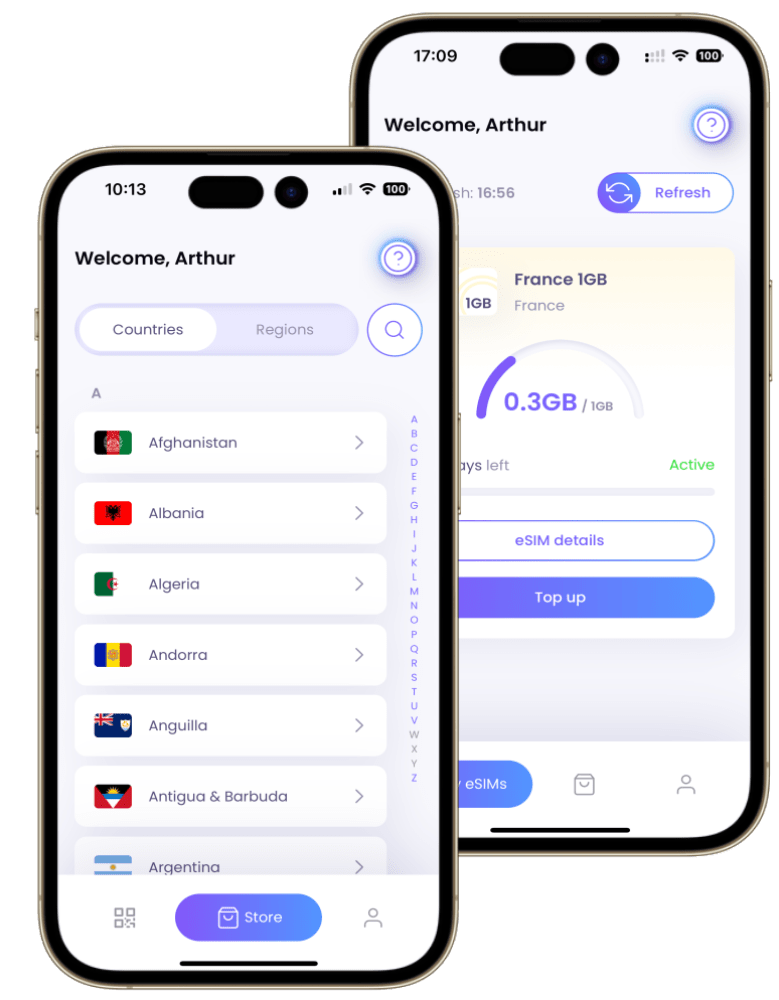
How To Transfer an eSIM on iOS & Android
In recent years, the mobile industry has witnessed the emergence of eSIMs (embedded SIMs) as a new technology for managing cellular connectivity. Unlike traditional physical SIM cards, eSIMs are built directly into devices, offering greater flexibility and convenience.
With eSIMs, users can activate and switch between cellular plans without swapping SIM cards. This article explores the concept of eSIMs, their benefits, and the process of transferring eSIMs between devices.
Continue reading to learn more:
What is an eSIM?
An eSIM, or embedded SIM, is a digital SIM card built into a device, such as a smartphone or tablet, rather than a physical card inside a SIM card slot. It serves the same purpose as a traditional SIM card, which is to identify the device on a cellular network and connect it to a mobile service provider. However, with an eSIM, you can activate a cellular plan from your carrier without a physical SIM card.
It allows for greater flexibility and convenience. Some devices, such as certain models of the iPhone, support multiple eSIMs for you to use multiple phone numbers simultaneously.
eSIM technology offers several advantages. Firstly, it eliminates the need for a physical SIM card, which saves space inside the device and allows for thinner designs and larger batteries. Additionally, eSIMs can be easily activated and managed through software, making it more convenient for users to switch between carriers or plans.
Overall, eSIMs provide a more flexible and streamlined approach to managing cellular connectivity on devices, offering benefits such as easier activation, multiple carrier support, and space-saving design.
What should I know before transferring my eSIM?
Before transferring your eSIM, there are a few important things to know:
- Check carrier support: Ensure that your carrier supports eSIM transfer between devices. Contact your carrier’s customer support or refer to their documentation to confirm their policies and procedures for transferring eSIMs.
- Device compatibility: Make sure that the target device supports eSIM technology. Check the device specifications or contact the manufacturer to verify eSIM compatibility.
- Backup your data: Before initiating the eSIM transfer, it’s always a good practice to back up your data, contacts, and any important information from your current device. It ensures that you do not lose any valuable data during the transfer process.
- Contact previous carrier (if applicable): If you are transferring your eSIM to a new device with a different carrier, you may need to contact your previous one to obtain any relevant information or documentation required for the transfer. For example, they may need to provide you with your account details or a transfer authorization code.
- Activation process: Once the eSIM transfer is complete, you will need to activate the eSIM on the new device. It typically involves scanning a QR code or entering specific details provided by your carrier.
Transferring eSIM on iOS and Android
Transferring an eSIM from one device to another can vary depending on the operating system and the carrier. Here are some general steps to transfer an eSIM on iOS and Android:
Transferring eSIM on iOS:
- iPhone to iPhone: If you are transferring an eSIM from one iPhone to another, you can use the eSIM Quick Transfer feature. During the setup process of your new iPhone, you can activate your eSIM by following the onscreen instructions.
- Android to iPhone: Transferring an eSIM from Android to iPhone is not as seamless as transferring between iPhones. You will need to rely on the options provided by your carrier. Some carriers support eSIM Carrier Activation, which allows you to activate your eSIM during the setup process of your new iPhone.
Transferring eSIM on Android:
- Android to Android: Transferring an eSIM from one Android device to another is generally straightforward. You can usually delete the eSIM from your old device and then add it to your new device by following the instructions provided by your carrier or device manufacturer.
- iPhone to Android: Transferring an eSIM from an iPhone to an Android device is not as straightforward as transferring between iPhones. The process can vary depending on the carrier and the specific devices involved. Reach out to your carrier’s customer support to inquire about the possibility of transferring your eSIM from an iPhone to an Android device. They may require you to visit a store, contact customer support, or use their online portal to initiate the transfer. Follow their guidance closely to ensure a smooth transition.
It is important to note that the process of transferring eSIMs can vary depending on the specific device, carrier, and region. It is recommended to contact your carrier for detailed instructions and support when transferring an eSIM.
Please keep in mind that the availability and functionality of eSIM transfer features may change over time as technology and carrier support evolve.