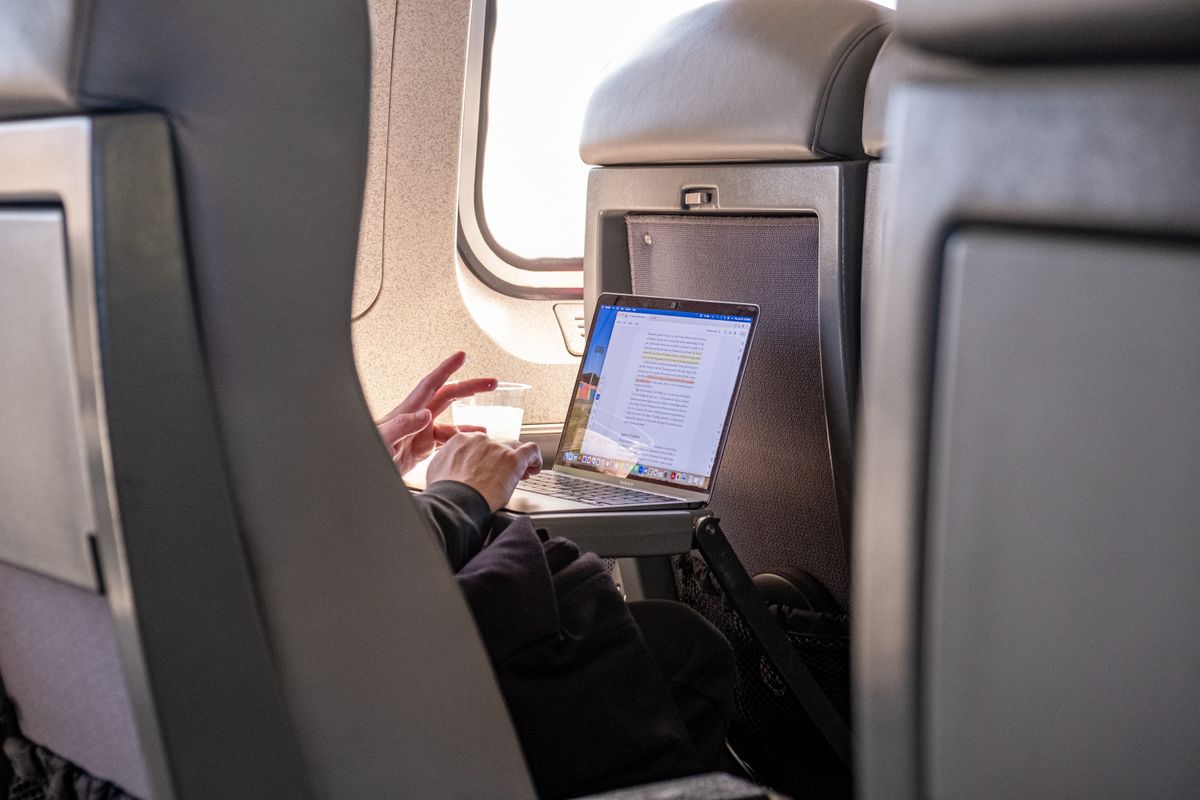
Most planes and cruise ships now have wifi, and on a growing number of flights it's free if you join the airline's loyalty program. To connect, you switch your phone to airplane mode, turn wifi back on, join the onboard network and sign in on its portal. What you shouldn't do is leave mobile data running: in the air and at sea, your phone can connect to the plane's or ship's own satellite cell network, and your home carrier bills that as international roaming, often at high pay-per-use rates. Here's how onboard wifi works, how to log in, and how to get data the moment you land or reach port.
How wifi on planes works
Onboard wifi is a small network inside the cabin, linked to the internet through the aircraft. Air New Zealand describes its own system simply: the signal goes from your device to an antenna on top of the aircraft, then up to a satellite, which sends it back down to earth, and your data makes the same trip in reverse (Air New Zealand). Air New Zealand also warns you may briefly go through a wifi blackout area.
Some airspace has no wifi at all. Delta says its wifi is unavailable over China and Morocco because of regulatory restrictions on international satellites (Delta).
Several airlines now use Starlink, a low Earth orbit satellite network. Southwest's wifi page says "Starlink is here!" (Southwest).
Can you use mobile data or make calls on a plane?
United States: airplane mode, wifi allowed
The FAA says cell phones and other portable electronic devices "must be used in airplane mode or with the cellular connection disabled", and that you may use wifi if the plane has an installed wifi system and the airline allows it (FAA). The FCC's own rule goes further: cellular phones "must not be operated while such aircraft are airborne" (47 CFR 22.925).
Europe: onboard mobile service on some planes
Europe takes a different approach. Since 2008, the European Commission has reserved frequencies so airlines can offer calls, messaging and data on board flights in the EU, and a 2022 update made room for 5G. The service runs through a small onboard cell, a "pico-cell", that routes traffic "typically via a satellite network" to the ground (European Commission).
The catch is the price. The EU's official Your Europe portal says that when mobile services are provided via satellite systems, "EU rules no longer apply" and you're charged for non-regulated roaming with no price caps. It advises turning off roaming or using flight mode on board (Your Europe). The EU Roaming Regulation says charges on these non-terrestrial networks on aircraft and ships are "significantly higher" than regulated roaming, and asks carriers to take reasonable steps to protect you from connecting by accident, for example by letting you opt out (Regulation (EU) 2022/612, recital 46 and Articles 13 and 14). Ask your carrier whether it offers that opt-out before you travel.
So on any flight, the safe setup is the same: airplane mode on, wifi on. Read our guide to airplane mode if you're not sure what it switches off.
How to connect to wifi on a plane, step by step
Names vary by airline, but Delta and Southwest describe the same steps:
- Turn on airplane mode. On iPhone, Apple says this turns off all radios except Bluetooth (Apple Support).
- Turn wifi back on. Apple says you can use wifi in airplane mode if the airline allows it. On Pixel phones, Google says you can connect to wifi while in airplane mode (Pixel Phone Help).
- Join the airline's network. On Delta it's "DeltaWiFi.com", on Southwest it's the Southwest WiFi network.
- Open the portal. If the sign-in page doesn't open, type the address into your browser: DeltaWiFi.com on Delta, SouthwestWiFi.com on Southwest.
- Sign in or pay. On many airlines, you log in with your loyalty account for free access, or buy a pass.
Air New Zealand adds a useful detail: wait a few minutes after takeoff before you connect, and expect the service to stop when the aircraft prepares for landing. Its network is called AirNZ_InflightWiFi and the portal is wifi.airnz.com (Air New Zealand).
If it won't connect
- Using a VPN? Delta says to connect to the wifi first, then log in to your VPN. Air New Zealand's troubleshooting list includes disconnecting your VPN.
- Portal won't load? Type the portal address by hand. Delta also suggests "Forget This Network" in your settings to restart the connection.
Which airlines offer free wifi?
Free wifi offers change quickly, so this list only covers what each airline's own page said when we checked, in November 2026. In every case, it only applies on aircraft that have wifi.
- Delta: Delta says SkyMiles Members "can connect for free on nearly every flight", with free global wifi presented by T-Mobile. Delta also says messaging is free on all flights with wifi (Delta).
- Southwest: Rapid Rewards Members get free wifi, thanks to T-Mobile, where available on wifi-enabled aircraft (Southwest).
- Air Canada: fast, free wifi for Aeroplan Members, United MileagePlus members and Business Class passengers, on flights within North America and to Sun destinations. Air Canada says free wifi on long-haul international flights is planned for 2027 (Air Canada).
- Air New Zealand: free wifi on selected flights. The Air NZ app shows a wifi icon next to your flight if it's available (Air New Zealand).
Many other airlines offer wifi too, free or paid. Check your airline's wifi page or app before you fly, and again on the day, since aircraft swaps happen.
Messaging, texts and calls in the air
Free messaging means apps like iMessage or WhatsApp over the plane's wifi. Delta adds that SMS can work too, but only with Wi-Fi calling turned on in your phone settings, and texts may be delayed by up to 15 minutes. Calls are another matter: Delta says voice and video calls, including over wifi, aren't allowed in flight. Southwest says it may block high-bandwidth apps and video conferencing, and Air New Zealand says some high-data activities aren't supported. Check your airline's rules before you plan a call.
Tips before you fly
Download maps, shows and boarding passes before you board: Southwest notes that its free movies and TV aren't available on some flights. Join the airline's loyalty program at home too, since free wifi is usually tied to it, and Delta says that if you're locked out of your SkyMiles account in flight, you can't unlock it until you land. Long flight ahead? Here's how to stay healthy on long-haul flights.

How cruise ship wifi works
On a cruise, you have two ways to get online at sea: the ship's wifi, sold as packages by the cruise line, and the ship's own cellular network, billed by your home carrier. AT&T sums it up: most cruise ships offer their own wifi, and the quality and price vary by ship (AT&T).
- Norwegian Cruise Line: wireless internet is available throughout NCL's entire fleet (NCL).
- Royal Caribbean: its VOOM wifi is available on all ships fleetwide, and prices vary and are subject to change. There are also internet stations on board (Royal Caribbean).
- Carnival: you can connect your phone, tablet or laptop anywhere on the ship, with three wifi plans to choose from (Carnival).
Packages are priced by each line on its own site or app, and Royal Caribbean invites you to book internet packages before you sail, through My Royal Cruise.
How to log in to NCL wifi (nclwifi.com)
If you searched for "nclwifi", here's how Norwegian Cruise Line describes it:
- Turn on airplane mode, or turn off cellular data, and keep wifi on. NCL recommends this to avoid roaming charges.
- Open your wifi settings and join the ship's wifi.
- Open your browser. The login page should appear. If it doesn't, go to nclwifi.com. NCL notes this address only works while you're on board.
- Log out when you're done if you have a minute plan. Use the Logout button to save your minutes, and come back any time through nclwifi.com. On unlimited plans, NCL says you don't need to log out.
To get the Norwegian app on board, NCL says to connect to the ship's wifi, choose "Download Norwegian Cruise Line App", then sign in with your last name, date of birth and reservation or stateroom number (NCL). Working remotely? NCL says to check your VPN limitations with your company's IT team before you sail, because the crew can't change your settings on board.
Why the ship's cell network costs so much
Out at sea, your phone can connect to a cellular network run from the ship itself. NCL calls its service Cellular at Sea: it switches on about six nautical miles from shore, works through satellite (including Starlink where available) and stays on until the ship nears land or docks (NCL). AT&T explains that your phone then shows the maritime network where you'd normally see AT&T (AT&T Support).
Your home carrier bills that usage, and it isn't cheap. AT&T says the ship's cellular service "is always considered international roaming and is quite expensive". Some carriers sell cruise passes at a flat daily rate, so ask yours before you go. If you're from the EU, roam like at home doesn't help you here either: Ireland's regulator ComReg says roam like at home rates do not apply to the satellite services some ferries offer, and only apply to land networks (ComReg).
To stay off it, AT&T's advice is to put your phone in airplane mode or turn data roaming off. If you use the ship's wifi, AT&T suggests keeping airplane mode on, so your phone doesn't fall back on the ship's cell network when wifi gets patchy. AT&T also warns that its own Wi-Fi calling is still charged like a cellular call when you're abroad, so check how your carrier bills it. For the settings, see our guide to data roaming.
Cheaper alternatives to cruise ship wifi
- Prepare offline. Download maps of each port, your shore excursion tickets, music and shows at home.
- Use wifi on land. AT&T notes that some ports offer free wifi nearby, and some restaurants and shops do too. It also warns that open networks have weak security, so we suggest you avoid banking on them. Our public wifi safety tips apply here too.
- Get local data in port. AT&T points out that regional eSIMs are most useful when you're in port, not at sea. They use land networks, so they work ashore, not on the ship's network.
Get online the moment you land or reach port
Here's the honest part: no eSIM sold for use on land, ours included, works in the air or at sea. Planes and ships use their own satellite networks. But an eSIM installed before you leave means that once you've landed, or the ship has docked and you're ashore, you can switch to a local network and use your data straight away, without hunting for wifi. Install it at home first: see our guide to installing an eSIM. On board, keep airplane mode on and wifi on, so neither your home line nor the eSIM connects to the plane's or ship's network.
When you're back in range, check the network name at the top of your screen. You want a local land network, not the ship. On iPhone, Verizon explains that you can pick a network yourself: go to Settings, then Cellular, then Network Selection, turn off Automatic and choose a carrier from the list (Verizon).
SimOptions sells eSIMs, and the plans below are ours. They're data only, with no phone number, calls or SMS, so use messaging and calling apps over data.
Europe 10GB for 7 days and Europe 20GB for 15 days are data only · Caribbean 10GB lasts 7 days, data only, and covers islands including Jamaica, Puerto Rico, the Cayman Islands, Barbados, Antigua and Barbuda, St Lucia and St Kitts and Nevis, but not every island, so check the list before you sail · See all Europe eSIMs · See all Caribbean eSIMs
FAQs
Is wifi free on planes?
On some airlines, yes, usually for loyalty members on equipped aircraft. As of November 2026, Delta and Southwest offer free wifi to their loyalty members on equipped flights, Air Canada does on flights within North America and to Sun destinations, and Air New Zealand offers it free on selected flights. Elsewhere you may need to buy a pass.
How do I connect to NCL wifi?
Join the ship's wifi network in your settings and open your browser. If the login page doesn't appear, go to nclwifi.com. It only works on board.
Why is my phone bill so high after a cruise?
A common cause is the ship's cellular network, which AT&T says always counts as international roaming. Keep airplane mode on at sea, or turn data roaming off, unless you've bought a cruise package from your carrier.
Will a travel eSIM work on a cruise ship?
A travel eSIM made for land networks, like ours, works in port and ashore when you're in a covered country, but not at sea. Your home line is different: at sea it can roam on the ship's own cellular network, billed as international roaming, unless airplane mode is on. AT&T notes that some eSIMs are built for ships' networks, so check what yours covers. At sea, the ship's wifi is the usual way online.
How we put this guide together: we checked these details on airline, cruise line, regulator, carrier, Apple and Google pages on 25 November 2026. Wifi offers and onboard systems change often, so check your airline or cruise line before you travel.