

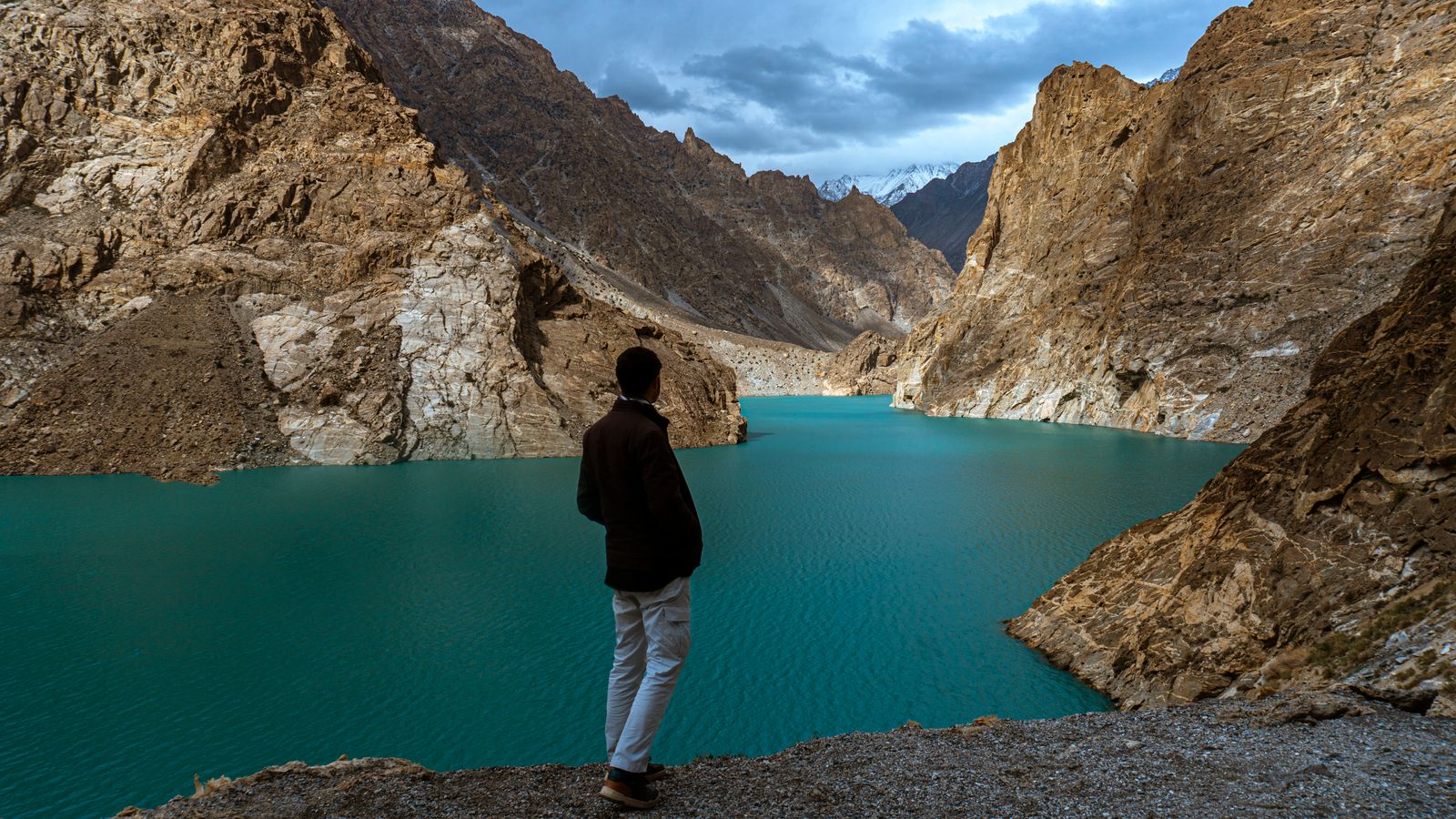
The best eSIM for Pakistan is one that matches how long you stay and where you go. Staying only in Pakistan, for a family visit or a trip to the mountains? A Pakistan eSIM gives you the most data for your money, from a few days to six months. Flying in through Dubai, Doha or Istanbul and spending time there too? An Asia eSIM covers Pakistan and 25 more countries on one plan. Both are data only. You install them at home, and they connect when you land. Plan details in this guide come from our Pakistan eSIM page and Asia eSIM page.
Short on time? Here are three Pakistan picks: one week, two weeks or a month.
Pakistan 10GB (7 days) · Pakistan 20GB (15 days) · Pakistan 50GB (30 days) · all data only · See all Pakistan eSIMs or browse every destination
What makes an eSIM the best one for Pakistan?
There is no single best eSIM for everyone. The right one fits your trip. Check these points before you buy:
- Data and days: enough data for your whole stay. Family visits often last weeks, so look past the 7-day plans.
- Countries covered: Pakistan only, or Pakistan plus the Gulf, Turkey or China if you stop over or cross the Khunjerab Pass.
- Network: the local network the eSIM uses. Coverage is best where that network is strong.
- Top-ups: so you can add data instead of buying a new eSIM.
- When the days start: ideally when you land, not when you buy or install it.
- Phone number: most travel eSIMs are data only. Decide if you really need a Pakistani number.
- Your phone: it must support eSIM and be unlocked.
Our eSIMs for Pakistan: the details
SimOptions sells eight Pakistan plans. Pakistan is also on our Asia plans. Here is how they compare, from the plan details on our pages:
| Plan | Pakistan eSIM | Asia eSIM |
|---|---|---|
| Countries | Pakistan only | 26, including Pakistan, the United Arab Emirates, Qatar, Saudi Arabia, Turkey, China and India |
| Data and days | 1 GB or 3 GB for 3 days, 5 GB or 10 GB for 7 days, 20 GB for 15 days, 50 GB for 30 days, 60 GB for 90 days, 100 GB for 180 days | 1 GB for 7 days, 3 GB to 30 GB for 30 days, 50 GB for 60 days |
| Network | Jazz, 4G/LTE | 4G/LTE |
| Calls and SMS | No, data only | No, data only |
| Best for | A trip in Pakistan only, from a few days to six months | Pakistan plus time in the Gulf, Turkey or China |
Both plan types also work the same way:
- Activation: once installed, the eSIM activates automatically when you arrive in a covered country. Your days start then.
- Top-ups: available.
- Expiry: if you don't use the eSIM within a year of buying it, it becomes invalid.
Every plan is prepaid with no contract, and your QR code comes by email.
Which eSIM is best for your Pakistan trip?
Start with how long you stay. Then check if you spend time in other countries on the way.
A week or less: Pakistan 5GB or 10GB
A short business trip to Karachi or Islamabad, or a week with family in Lahore? The 5 GB and 10 GB plans last 7 days. That covers maps, messages, video calls home and photo sharing.
Two weeks: Pakistan 20GB
Two weeks of family visits, a wedding, or a trip from Islamabad up to Hunza? Pakistan 20GB lasts 15 days. That's enough for daily maps, social media, photos and regular video calls.
A month to six months: Pakistan 50GB, 60GB or 100GB
Spending a long summer with family, or working from Pakistan for a while? Pakistan 50GB lasts 30 days, 60GB lasts 90 days and 100GB lasts 180 days. You can also top up instead of buying a new eSIM.
Pakistan plus a stopover in the Gulf or Turkey
A Pakistan plan only works in Pakistan. If you spend a few days in Dubai, Doha or Istanbul on the way, or carry on to China over the Khunjerab Pass, one Asia plan covers all of them, so you don't swap eSIMs between countries. When we checked our pages, the Pakistan plans cost less than the Asia plans of the same size, so for a Pakistan-only trip they are the better buy. More on the region in our guide to the best eSIM for Asia.
Spending time in the Gulf or Turkey as well as Pakistan? This plan covers 26 countries for 30 days.
You need a phone number
Our Pakistan and Asia plans are data only. You can still call and text over data with apps like WhatsApp or FaceTime, see how to make calls with a data-only eSIM. Your home SIM stays on your phone too, so you keep getting texts and bank codes on your usual number. If you need a Pakistani number, you need a line from a local operator, and your phone may then need registering (see below).
Which networks offer eSIM in Pakistan?
Yes, Pakistan has eSIM. Pakistani operators sell their own eSIMs with a local number, but not online. Zong and Ufone, for example, say you get one at their service centres or franchises, after biometric verification (BVS). You then get a QR code to scan on your phone, and both charge a fee for the eSIM (Zong: eSIM, Ufone: eSIM). So if you live in Pakistan and want a local eSIM, go to your operator's shop with your ID.
As a visitor, a travel eSIM is easier. You buy it online before you fly, there is no shop visit, and it's on your phone when you land. Our Pakistan plans use the Jazz network.
Do you need to register your phone in Pakistan?
Pakistan blocks phones that aren't registered in the PTA's device system, called DIRBS, when they run on a Pakistani SIM. PTA is the Pakistan Telecommunication Authority. Here is what it means for you:
- On a foreign SIM or travel eSIM: PTA says a phone that uses an international SIM as a roamer in Pakistan doesn't need registering. Travel eSIMs are foreign lines that connect by roaming, which is why you turn on data roaming for them.
- With a Pakistani SIM or eSIM: you need to register your phone. Foreign nationals and overseas Pakistanis on a short visit can register one phone free of tax for 120 days from the date they arrive, on every visit. The phone then only works with the SIM number you gave when you registered.
- Apply late, lose days: the 120 days count from your arrival. Apply after 30 days and you get the 90 days left.
- Staying longer than 120 days: you need the full registration and pay the FBR taxes.
Source: PTA: FAQs on temporary registration of mobile devices. Rules can change, so check the PTA site before a long stay.
Mobile coverage in Pakistan: cities and the north
Coverage is strongest in the big cities and along the main roads. In the mountain valleys of the north, signal can be weak or missing between towns. Here is what to expect in the places many visitors go.
Lahore
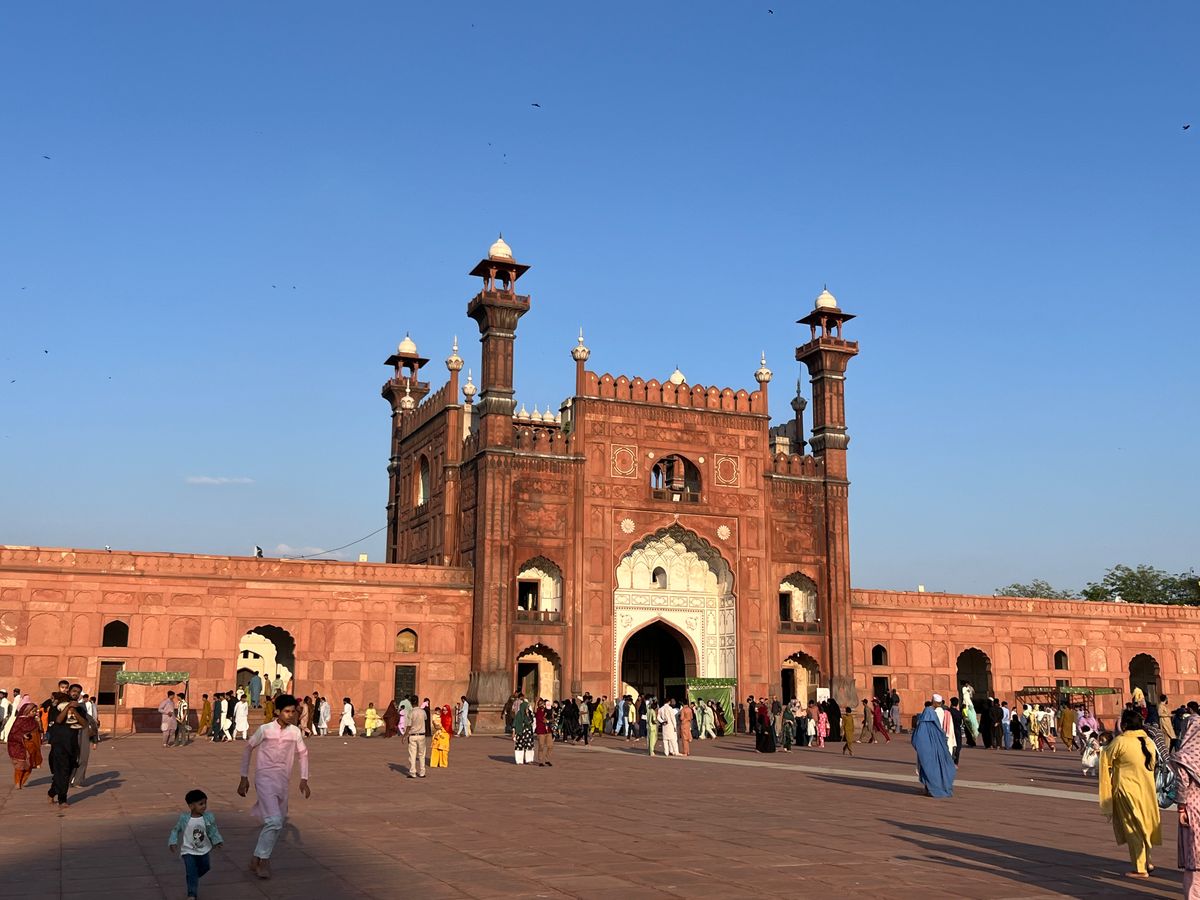
Lahore is full of Mughal history. The Badshahi Mosque was built under Emperor Aurangzeb, and next to it stands the Lahore Fort, which is a UNESCO World Heritage Site together with the Shalamar Gardens. Coverage in the city is good. Keep offline maps on your phone for the old walled city, where the lanes are narrow and busy.
Islamabad and Karachi
Both cities have good coverage. Data helps with maps, translation and staying in touch with your hosts. The UK Foreign Office (FCDO) advises against street taxis and taxi apps, and suggests licensed taxi companies that you call, so save their numbers on your phone.
Hunza, Gilgit and Skardu
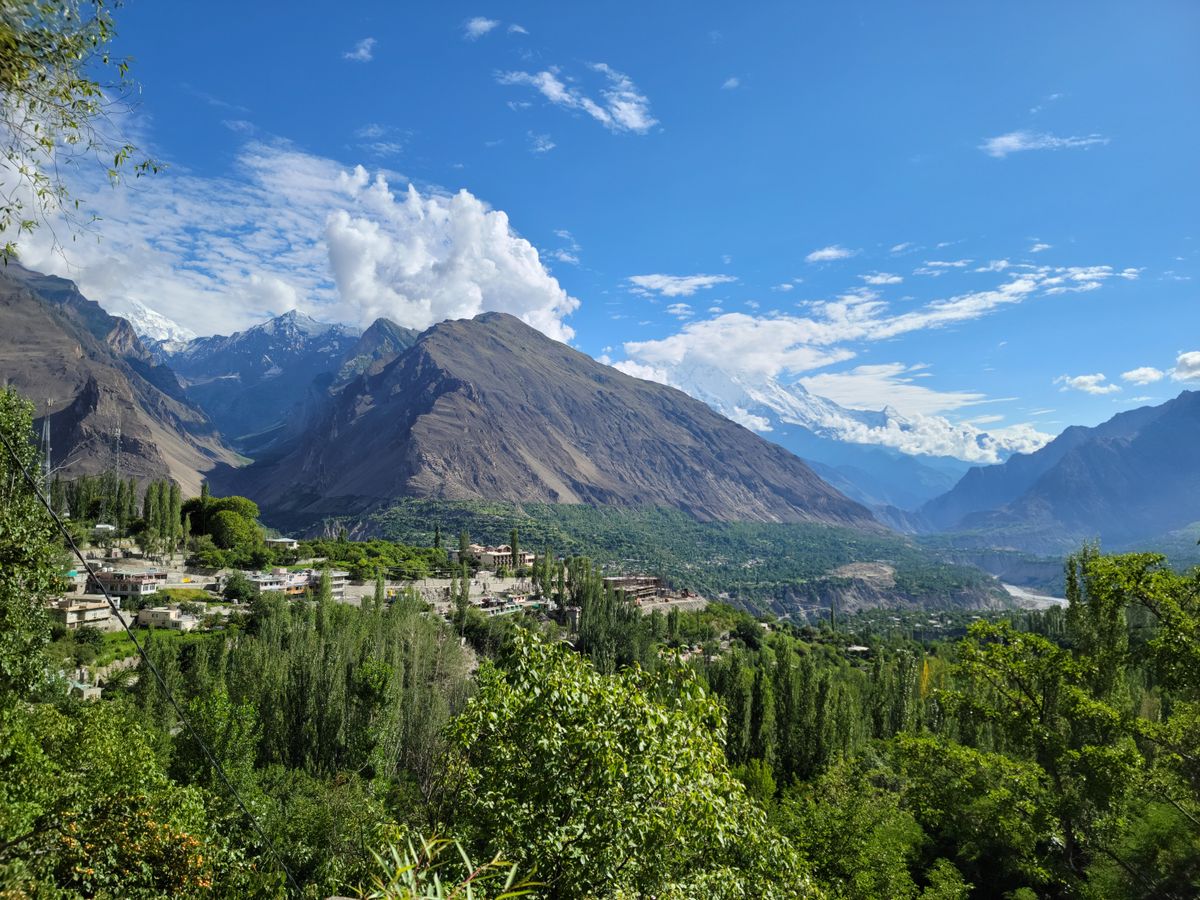
The north is why many people come to Pakistan. In Hunza, Karimabad looks out over the valley, Attabad Lake formed after a landslide in 2010, and the Passu Cones rise above the Karakoram Highway. From Skardu, jeeps take you up to the Deosai Plains, mostly reachable in summer. The towns have signal, but on mountain roads and in side valleys you can be offline for hours. Download maps and anything you need before you leave town.
Safety and travel advice
The FCDO advises against all travel to Balochistan, to many districts of Khyber Pakhtunkhwa (including Peshawar and the Swat Valley), to within 10 miles of the Afghan border, and to the Karakoram Highway between Mansehra and Chilas. It advises against all but essential travel to Azad Jammu and Kashmir and to some other areas. It also says foreign visitors must register with the local authorities in Gilgit-Baltistan, and that flights to Gilgit and Skardu can change at short notice (FCDO: Pakistan regional risks).
The FCDO also warns that mobile data and internet can be cut without warning during protests or unrest (FCDO: Pakistan safety and security). No eSIM can work around a shutdown, so keep your hosts' addresses and phone numbers written down or saved offline. Check your own government's advice before you book.
Other ways to get connected in Pakistan
A SimOptions eSIM isn't your only option. Here is a fair look at the others.
A local SIM or eSIM
You get a Pakistani number and local rates. The downside: you need a shop visit with biometric checks, and your phone has to be registered with PTA, free for 120 days for short visits. A travel eSIM skips both.
Other eSIM apps
Many eSIM sellers have Pakistan plans too, and most are data only. Compare them on the same points as above: data, days, network, countries covered, top-ups and when the days start.
Your home carrier's roaming
Check your own plan before you buy anything. Look up what your carrier charges per day or per MB in Pakistan. If roaming is expensive, a Pakistan eSIM next to your home line gives you local data at a fixed prepaid price. Turn off data roaming on your home line so it can't use data abroad. More tips in our guide on how to avoid roaming charges.
How much data do you need in Pakistan?
It depends on how you use your phone. Wi-Fi at home or in your hotel helps, but don't count on it everywhere. As a rough guide:
- 3 to 5 days: 1 GB to 5 GB, for maps and messages.
- 7 to 15 days: 10 GB to 20 GB, enough for social media, photos and video calls.
- 15 to 30 days: 20 GB to 50 GB, or more if you work online.
Running low? Top up the same eSIM. Tips to stretch your data: how to reduce data usage abroad.
How to set up your Pakistan eSIM
- Check eSIM support. Dial *#06#. If your phone shows an EID number, it supports eSIM. On iPhone, eSIM works on the iPhone XS, XS Max, XR and later (Apple: Using Dual SIM with an eSIM). iPhones from the iPhone 14 on that were bought in the US have no SIM tray at all, so an eSIM is the only way to add a line (Apple: Identify your iPhone model).
- Check that your phone is unlocked. A phone locked to a carrier only accepts that carrier's eSIMs. See how to unlock your phone.
- Install the eSIM at home on Wi-Fi before you fly. On iPhone, scan the QR code with the Camera app, or on iOS 17.4 and later press and hold the code in the email and choose Add eSIM (Apple: Set up eSIM on iPhone). Step by step for iPhone and Android: how to install an eSIM.
- When you land, choose the travel eSIM for mobile data and turn on data roaming for it. On iPhone, go to Settings > Cellular (or Mobile Data) > Cellular Data and pick the travel eSIM.
- Turn off data roaming on your home line, so it can't use data abroad.
Using two lines at once is easy once you know where the settings are: see how to set up and manage a dual eSIM. No signal after you land? Our guide on what to do when your eSIM is not activating walks you through the usual causes.
FAQs
What is the best eSIM for Pakistan?
The one that fits your trip. For Pakistan only, a Pakistan eSIM gives you the most data for your money: 5 GB or 10 GB for a week, 20 GB for two weeks, 50 GB for a month, and up to 100 GB for six months. If you also spend time in the Gulf or Turkey, an Asia eSIM covers 26 countries on one plan.
Does Pakistan have eSIM?
Yes. Pakistani operators such as Zong and Ufone sell eSIMs in their shops after biometric checks. Travel eSIMs also work in Pakistan on local networks. Our Pakistan plans use Jazz.
Which network provides eSIM in Pakistan?
Local operators sell their own eSIMs in store, Zong and Ufone among them. For visitors, travel eSIMs bought online connect to a local network. Ours runs on Jazz.
Does an eSIM work on iPhone in Pakistan?
Yes, on the iPhone XS, XS Max, XR and later, as long as the iPhone is unlocked. Install the eSIM before you fly and turn on data roaming for it when you land.
Do I need to register my phone with PTA as a visitor?
Not on a foreign SIM or travel eSIM, as PTA says roamers don't need registration. With a Pakistani SIM, register your phone through PTA's DIRBS system. Short-term visitors can register one phone free of tax for 120 days per visit.
Can I get a Pakistani phone number with an eSIM?
Not with our plans, which are data only. For a Pakistani number, get a line from a local operator in store. You can call over data with WhatsApp or FaceTime instead.
Does an eSIM work in Hunza and Skardu?
In the towns, yes. On mountain roads and in remote valleys, the signal can drop for hours. Download maps before you leave town.
When does my Pakistan eSIM start counting days?
The plan activates automatically when you arrive in Pakistan, so your days start on arrival, not when you buy or install it.

