


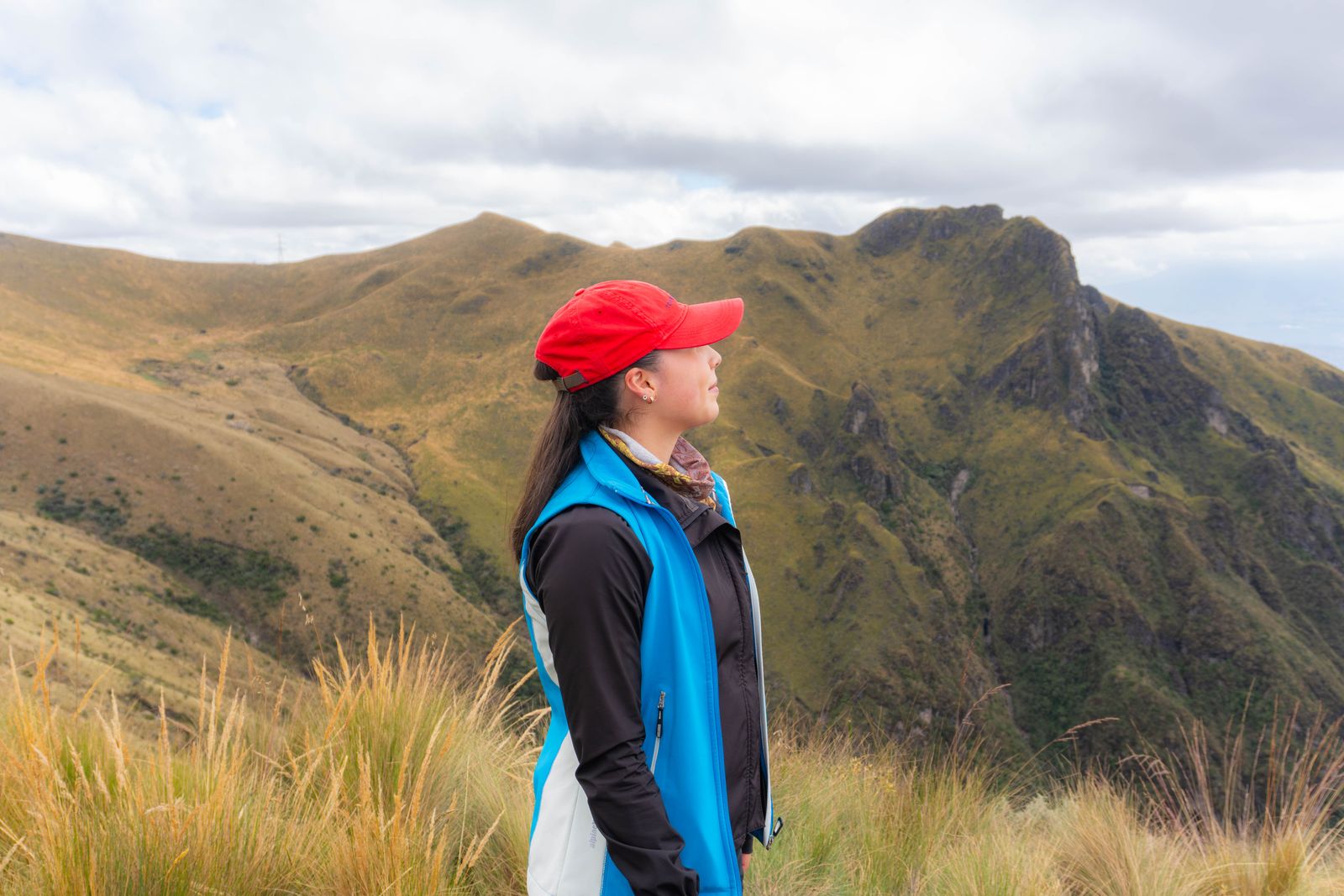
The best eSIM for Ecuador depends on how long you stay and whether Ecuador is your only stop. For a trip to Ecuador and the Galápagos only, an Ecuador data plan sized to your stay is the simplest choice: you install it at home, it connects when you land, and you can top it up. If you also visit Peru, Colombia or other countries in South America, one South America plan covers them all. Plan details here come from our Ecuador eSIM page.
Short on time? Here are three Ecuador plans for three typical trips: one week, two weeks and a month.
Ecuador 10GB (7 days) · Ecuador 20GB (15 days) · Ecuador 50GB (30 days) · all data only · See all eSIMs for Ecuador
Quick comparison: eSIMs for Ecuador
SimOptions sells six Ecuador eSIMs. According to the plan details on the Ecuador eSIM page, they all work the same way:
- Data and days: 1 GB or 3 GB for 3 days, 5 GB or 10 GB for 7 days, 20 GB for 15 days and 50 GB for 30 days.
- Countries: Ecuador only, which includes the Galápagos Islands.
- Phone number: no. Data only, with no calls or SMS.
- Speed: 4G/LTE.
- Activation: once installed, the eSIM activates automatically when you arrive in Ecuador.
- Top-ups: available, so you can add data if you run low.
- Expiry: if you don't use the eSIM within a year of buying it, it becomes invalid.
Every plan is prepaid with no contract, and your QR code comes by email.
Which eSIM is best for your Ecuador trip?
Start with how long you stay, then ask yourself two questions: do you also visit other countries, and do you need a phone number?
A few days in Quito or Guayaquil: Ecuador 1GB, 3GB or 5GB
For a short stopover or a long weekend, a small plan covers maps, messages, ride apps and some browsing. The 1 GB and 3 GB plans last 3 days, the 5 GB plan lasts 7 days.
One to two weeks: Ecuador 10GB or 20GB
A week in Quito, Baños and Cotopaxi, or two weeks that end with a few days in the Galápagos? Ecuador 10GB lasts 7 days and Ecuador 20GB lasts 15 days. That's enough for daily maps, social media, photos and some video calls.
A month or more: Ecuador 50GB
Working remotely from Cuenca or travelling slowly through the Andes and the coast? Ecuador 50GB lasts 30 days. For a longer stay, top it up instead of buying a new eSIM.
Ecuador plus Peru, Colombia or more of South America
An Ecuador plan only works in Ecuador. If your trip crosses borders, the South America plans cover 10 countries with one eSIM: Argentina, Bolivia, Brazil, Chile, Colombia, Ecuador, French Guiana, Paraguay, Peru and Uruguay. They come in sizes from 1 GB for 3 days to 20 GB for 15 days, and they are data only with top-ups available.
Planning Ecuador and Peru, for example? This plan connects in both, so you don't swap eSIMs at the border.
More on the neighbours: eSIM providers in Peru and eSIM providers in Colombia.
You need a phone number
The Ecuador and South America plans are data only. You can still call and text with WhatsApp, FaceTime or iMessage, see how to make calls with a data-only eSIM. Your home SIM also stays on your phone, so you keep getting texts and bank codes on your usual number. If you need an Ecuadorian +593 number, you need a line from a local carrier (see below).
Does an eSIM work in the Galápagos?
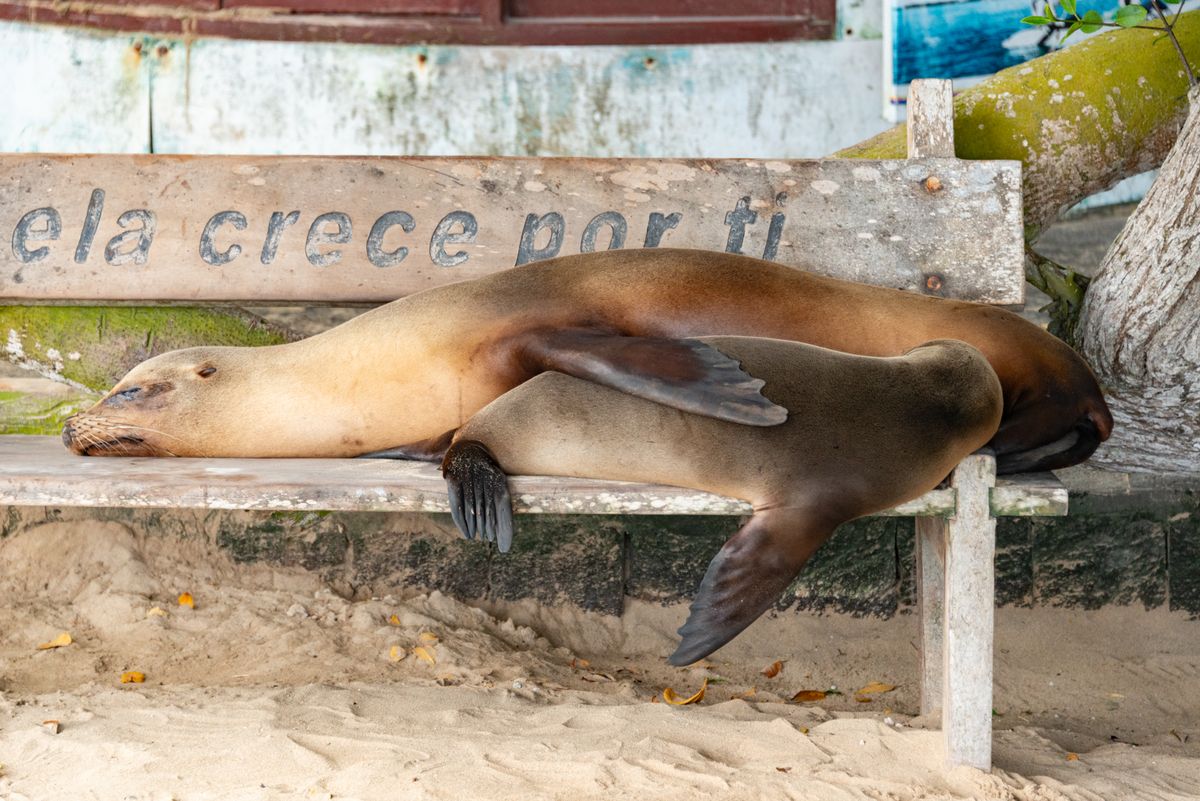
Yes, with limits. The Galápagos are a province of Ecuador, so an Ecuador or South America plan works there wherever a local network has signal. Our Ecuador eSIM page says coverage is available in the main towns of Santa Cruz and San Cristóbal, and that signal is limited during boat crossings.
Keep your expectations realistic:
- Towns: only four islands are inhabited: Santa Cruz, San Cristóbal, Isabela and Floreana (Galápagos National Park). Puerto Ayora on Santa Cruz and Puerto Baquerizo Moreno on San Cristóbal are where you can count on data.
- Everywhere else: 97% of the land is national park. On boats, on uninhabited islands and at most visitor sites, expect little or no signal.
- Isabela and Floreana: the towns are small and signal can be weak, so don't plan anything that depends on data there.
- Cruises: on a live-aboard cruise you can be offline for long stretches. Ask your boat whether it has Wi-Fi.
Before you fly to the islands, download offline maps, your boarding passes, tour vouchers and anything you want to read or watch. The park asks you to visit protected areas with a specialised guide and doesn't allow drones (Galápagos National Park: visitor rules), so plan to be in the moment there anyway.
Other ways to get connected in Ecuador
A SimOptions eSIM isn't your only option. Here is a fair look at the others.
A line from Claro, Tigo or CNT
Ecuador has three mobile carriers, and all three offer eSIM lines:
- Claro sells prepaid eSIM lines online, with the QR code sent by email (Claro: eSIM prepago). For visitors, Claro's own tourist offer is a physical prepaid chip that you activate with your passport (Claro: Welcome to Ecuador).
- Tigo is the brand that replaced Movistar in Ecuador, and movistar.com.ec now opens the Tigo site. Tigo lets you request an eSIM online and sends the QR code by email (Tigo: eSIM).
- CNT, the state-owned carrier, also offers eSIM lines, which it says you get at its service offices.
A local line gives you a +593 number and local rates, which can make sense for a long stay. You set it up after you land, and Claro activates lines for visitors with a passport. For most trips, a travel eSIM that already works when you land is simpler.
Global eSIM apps
Many global eSIM sellers have Ecuador plans too, and most are data only. Compare them the same way as above: data, days, countries covered, top-ups, whether the Galápagos are mentioned and whether you need a number.
Your home carrier's roaming
Check your own plan before you buy anything:
- From the USA or Canada: some plans include data in Ecuador, often at reduced speed or for a daily fee. Check your carrier's roaming page for Ecuador.
- From the UK, Australia or elsewhere: check your carrier's roaming prices for Ecuador before you go.
- From the EU: "roam like at home" only applies inside the EU and EEA, so it doesn't cover Ecuador (Your Europe: mobile roaming costs).
If roaming is expensive or your high-speed allowance is small, an Ecuador eSIM next to your home line gives you local data at a fixed prepaid price. Our tips to avoid roaming charges help too.
How much data do you need in Ecuador?
It depends on how you use your phone. Wi-Fi at your hotel helps a lot. As a rough guide:
- 3 to 5 days: 1 GB to 5 GB for maps, messages and ride apps.
- 7 to 15 days: 10 GB to 20 GB, enough for social media, photos and some video calls.
- 15 to 30 days: 20 GB to 50 GB, or more if you stream or work online.
Sharing your connection with a laptop or a friend's phone? Hotspot uses data fast, so go a size up. Download offline maps before you leave Wi-Fi (Google Maps Help: offline maps) and keep an eye on your data usage.
Is your phone compatible?
Your phone must support eSIM and be unlocked. Dial *#06#: if you see an EID number, your phone supports eSIM. For Android phones and older iPhones, see our guide to checking eSIM compatibility. If you bought your phone from a carrier, ask it to unlock the phone before you travel.
How to set up your eSIM for Ecuador
- Buy your plan on the Ecuador eSIM page, or the South America eSIM page for a multi-country trip. Your QR code comes by email.
- Install it at home on Wi-Fi before you fly. Step-by-step help: how to install an eSIM and Apple's guide to setting up eSIM on iPhone.
- Label the line "Ecuador" or "Travel" so you can tell it apart from your home line.
- When you land, the eSIM connects automatically. Choose it as your line for mobile data and turn on data roaming for it. On iPhone, go to Settings > Cellular (or Mobile Data) > Cellular Data and pick the travel eSIM (Apple: Using Dual SIM with an eSIM).
- Turn off data roaming on your home line, so it can't use data abroad.
No signal after you land? Our guide on what to do when your eSIM is not activating walks you through the fixes.
Famous landmarks and things to do in Ecuador
A few places worth a visit, with a connection tip for each.
The Galápagos Islands
The islands are known for wildlife you can see up close, like giant tortoises, blue-footed boobies, sea lions and marine iguanas. Most visitors fly in from Quito or Guayaquil. From December to May the weather is warmer with short showers and calmer seas. From June to November it's cooler, with a misty drizzle called garúa and rougher seas. Mid-June to early September and mid-December to mid-January are the busiest times, so book ahead (Galápagos Conservancy: planning a trip).
Quito
Ecuador's capital sits high in the Andes, at about 2,850 metres. Its historic centre is a UNESCO World Heritage site, full of churches, plazas and colonial streets. Ride the TelefériQo cable car up the slopes of Pichincha volcano for a view over the city, then visit the Mitad del Mundo monument north of town, built to mark the equator. At that altitude, take it easy on your first day.
Baños
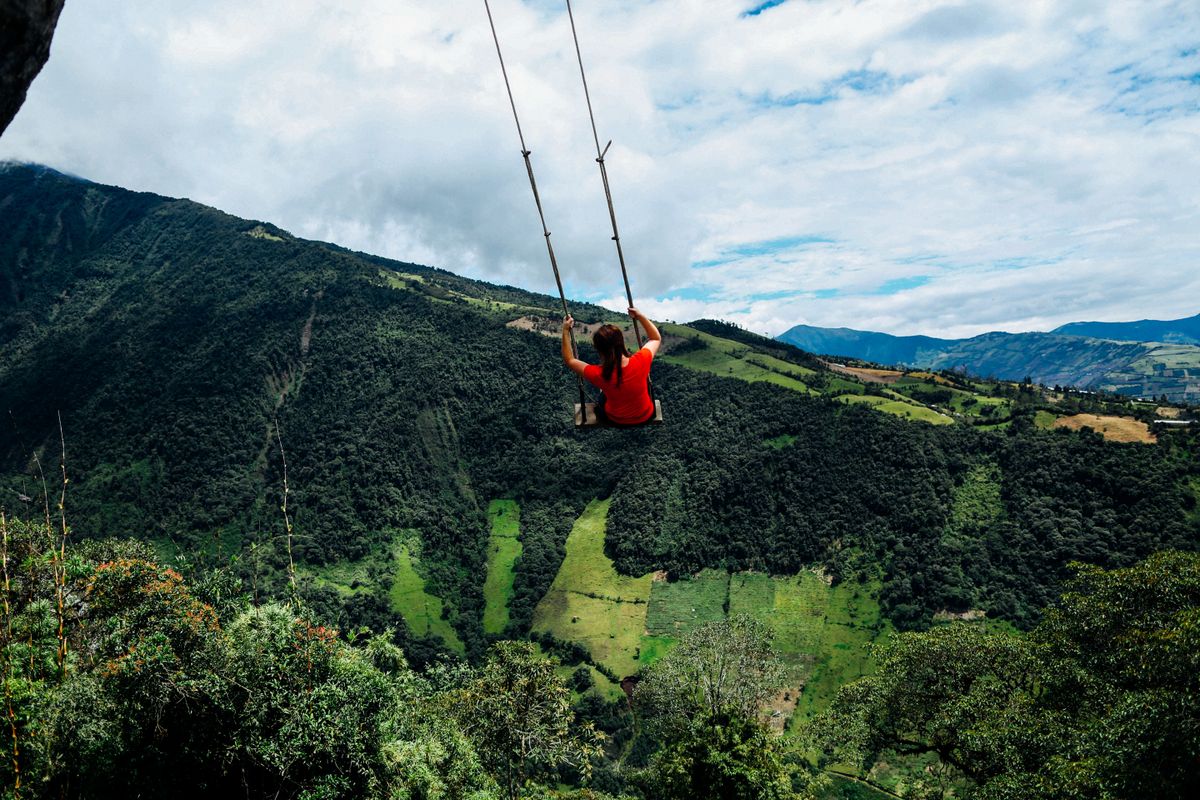
Baños de Agua Santa is a small town below Tungurahua volcano and a base for outdoor adventure. Things to do in Baños include soaking in the hot springs, cycling the waterfall route to the Pailón del Diablo waterfall, rafting, zip-lining and the swing at La Casa del Árbol, with views over the valley. Download offline maps before you ride out of town.
Cuenca
Cuenca, in the southern Andes, has a historic centre that is a UNESCO World Heritage site, with cobbled streets, flower markets and the blue domes of the Cathedral of the Immaculate Conception. Visit the Pumapungo Museum, then take a day trip to the lakes and trails of El Cajas National Park.
Cotopaxi National Park
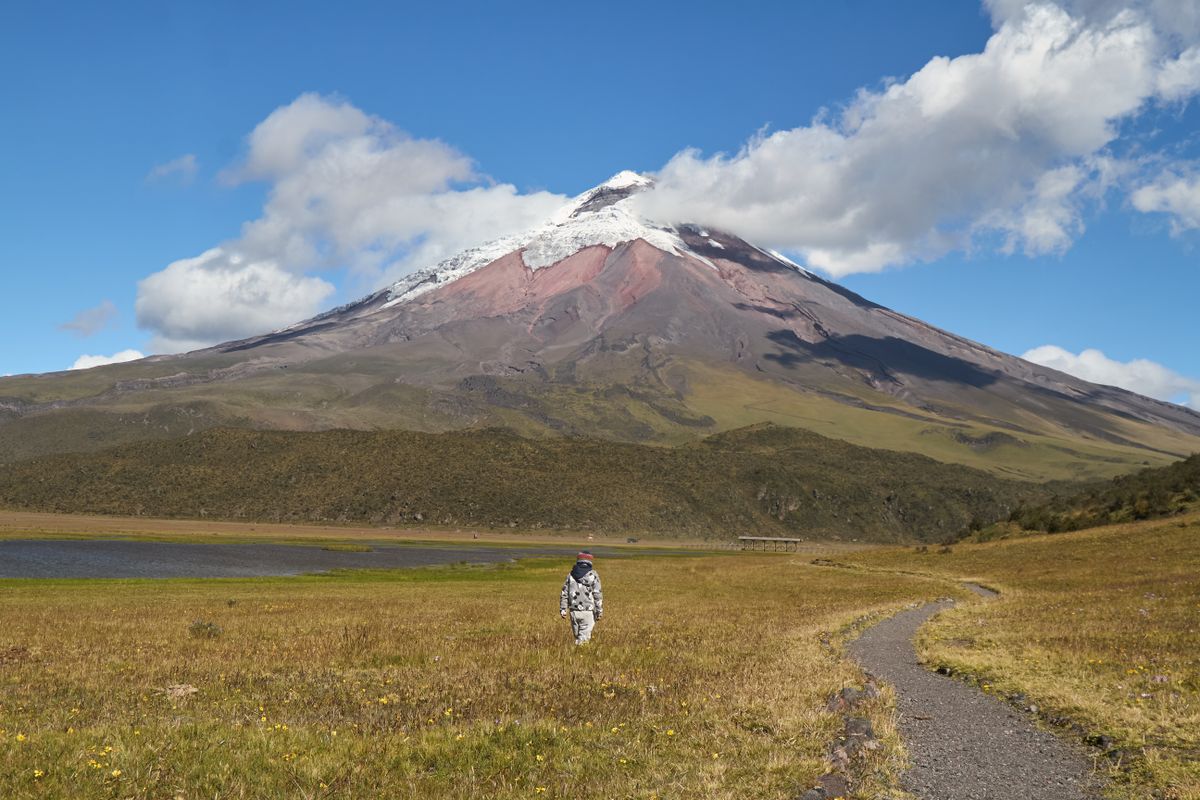
South of Quito, this park is home to Cotopaxi, a snow-capped active volcano. Visitors come to hike, mountain bike and ride horses on the high plains around it. Cotopaxi is monitored by Ecuador's Geophysical Institute, so check its current status before you go (Instituto Geofísico). Signal can be patchy in the park, so save your route and tickets on your phone first.
FAQs
What is the best eSIM for Ecuador?
It depends on your trip. For a week, Ecuador 5GB or 10GB. For two weeks, Ecuador 20GB. For a month, Ecuador 50GB. If you also visit Peru, Colombia or other countries in South America, a South America plan covers 10 countries with one eSIM.
What is the best eSIM for Ecuador and the Galápagos?
The same Ecuador plans cover the Galápagos, because the islands are part of Ecuador. Signal is mainly in the towns on Santa Cruz and San Cristóbal. At sea and at remote visitor sites, expect little or no signal, so download what you need first.
Which company offers the best eSIM for Ecuador?
There's no single best company. Compare plans on what matters for your trip: data, days, countries covered, top-ups and whether you need a number. Travel eSIMs like the SimOptions Ecuador plans are data only and install before you fly. A Claro, Tigo or CNT line gives you a local number, but you set it up after you arrive.
Does a travel eSIM work in Quito, Guayaquil and Cuenca?
Yes. The SimOptions Ecuador plans cover the whole country, so they work in Quito, Guayaquil, Cuenca, Baños and other places with mobile coverage. In the mountains and national parks, download offline maps before you go.
Can I get an Ecuadorian phone number with a travel eSIM?
Not with the SimOptions Ecuador plans, which are data only. For a +593 number, you need a line from Claro, Tigo or CNT.
Can I top up my Ecuador eSIM?
Yes. Top-ups are available on the SimOptions Ecuador and South America plans, so you can add data instead of buying a new eSIM.
When should I install my eSIM for Ecuador?
Install it at home on Wi-Fi a day or two before you fly. It activates automatically when you arrive in Ecuador, so your days start then. If you don't use it within a year of buying it, it becomes invalid.
Can I keep my own number and WhatsApp?
Yes. On a dual SIM phone, your home line stays on next to the travel eSIM. WhatsApp keeps your usual number and works over the eSIM's data.