
You can convert your physical SIM to an eSIM in a few taps, and you keep the same phone number and carrier. On iPhone, Samsung Galaxy and Google Pixel, look for Convert to eSIM in your SIM settings. It only shows up if your carrier supports it. If it doesn't, your carrier can send the eSIM through its app or give you a QR code. This guide shows you how to convert (or change) your SIM to eSIM on iPhone and Android, what Indian, UK and US carriers ask you to do, what happens to your old SIM card, and how to go from eSIM back to a physical SIM.
Before you convert your SIM to eSIM
Check these four things first. They solve most failed conversions.
- Your phone supports eSIM. Every iPhone from the iPhone XS, XS Max and XR onwards does (Apple: Set up eSIM on iPhone). On Android it depends on the model and the country it was sold in. Dial *#06#: if you see an EID number, your phone has eSIM. More ways to check eSIM compatibility.
- Your carrier offers eSIM and allows the conversion. The Convert option comes from your carrier, not just your phone.
- You're on Wi-Fi. Your phone downloads the eSIM over the internet. Google asks for Wi-Fi to convert on a Pixel.
- Your SIM card still works. Some carriers send a code to your number to confirm the change. In the US, also turn off SIM Protection or a similar account lock first.
Saved contacts on the SIM card itself? They don't move to the eSIM. Copy them to your phone first. On iPhone, go to Settings > Apps > Contacts > Import SIM Contacts (Apple: Import contacts from your SIM card).
How to convert a physical SIM to eSIM on iPhone

Depending on your region, the menu is called Cellular or Mobile Service. The steps are the same.
- Connect to Wi-Fi.
- Open Settings and tap Cellular (or Mobile Service).
- Tap Set Up Cellular or Add eSIM.
- Choose the phone number that uses your physical SIM.
- Tap Convert to eSIM and follow the instructions on screen.
- Once the eSIM has signal and you can make a call, remove the SIM card and restart your iPhone.
These are Apple's own steps. Apple notes that your physical SIM no longer works after the conversion (Apple: Set up cellular service on iPhone).
No "Convert to eSIM" option?
Then your carrier doesn't offer the conversion in your iPhone settings. Ask your carrier for an eSIM instead. They either send it straight to your iPhone (you get a notification to tap) or give you a QR code to scan in Settings > Cellular > Add eSIM > Use QR Code.
Converting while you move to a new iPhone
Getting a new iPhone? You can move your number from the old iPhone's SIM card straight to an eSIM on the new one with eSIM Quick Transfer. Both iPhones need iOS 18.4 or later, Bluetooth on and the same Apple Account, and your carrier has to support it (Apple). Here's how Quick Transfer on iPhone works step by step.
How to convert SIM to eSIM on Android
Menu names change a little between brands and Android versions. Connect to Wi-Fi first.
Samsung Galaxy
- Open Settings and tap Connections.
- Tap SIM manager.
- Select your SIM card and tap Convert to eSIM.
- Follow the steps on screen.
Samsung says your information then moves from the physical SIM to the phone's eSIM. It also notes that eSIM may not be supported, depending on the country your Galaxy comes from (Samsung: SIM cards for your Galaxy).
Google Pixel
- Open Settings and tap Network & internet > SIMs.
- Select the SIM you want to convert.
- Scroll down and tap Convert to eSIM.
- Follow the on-screen instructions.
Google says you need a Pixel 7 or later, a Wi-Fi connection and a carrier that offers eSIM for Pixel in your country (Pixel Phone Help: Convert a physical SIM to an eSIM).
Other Android phones
Look in Settings for SIM manager, SIM cards or Mobile network, then tap your SIM and look for a Convert option. Don't see one? Your carrier's app or customer service can switch you to an eSIM, usually with a QR code you scan in the same menu.
Converting your SIM to eSIM through your carrier
If your phone has no Convert option, your carrier does the switch, often in its app. Examples from the carriers' own help pages:
India: Jio and Airtel
- Jio: in the MyJio app, search for "eSIM" and select Switch to eSIM. Confirm your email, enter your phone's EID and the OTP sent to your number. After a 2-hour cooling period, Jio calls you to confirm, then sends the eSIM to your phone or a QR code by email (Jio: Change your Jio SIM to eSIM).
- Airtel: in the Airtel app, tap upgrade to eSIM under shortcuts, enter your EID and the OTP, and confirm on the call Airtel makes. Airtel says the eSIM is active within 2 hours of the download (Airtel: eSIM).
UK: Vodafone
In My Vodafone, go to manage your SIM and follow the prompts. On an iPhone you can also use Settings > Mobile Service > Convert to eSIM. Vodafone confirms you keep your number (Vodafone: eSIM). On other UK networks, look for a Replace SIM or eSIM option in your carrier's app.
USA: Verizon, T-Mobile and AT&T
- Verizon: the My Verizon app can switch a physical SIM to eSIM. Verizon says there's no charge when you move your line in the app (Verizon: eSIM FAQs).
- T-Mobile: turn off SIM Protection, then in the T-Life app open the Account tab, choose your line and select SIM transfer or activation (T-Mobile: SIM card & eSIM).
- AT&T: use Convert to eSIM in your phone's settings. AT&T asks you to keep the old SIM card for at least 14 days before you throw it away (AT&T: Convert a physical SIM to an eSIM).
More carriers and their app menus are in our guide on how to switch from a physical SIM card to eSIM. Stuck on "Activating" afterwards? See how to fix an eSIM that won't activate.
What happens to your physical SIM after the conversion
- It stops working. A phone number is active on one SIM at a time, so once the eSIM is live, the card is dead. Apple, Google and Vodafone all say so.
- Your number, plan and carrier stay the same. Only the SIM changes from a card to a digital profile.
- Keep the card for a while before you throw it away, as AT&T advises.
- Don't delete the eSIM to fix a problem. Apple says that after you erase an eSIM, you need to contact your carrier for a new one (Apple: Erase an eSIM).
Not sure it's worth it? Read 10 reasons to convert your physical SIM to eSIM, and when not to.
How to go from eSIM to physical SIM
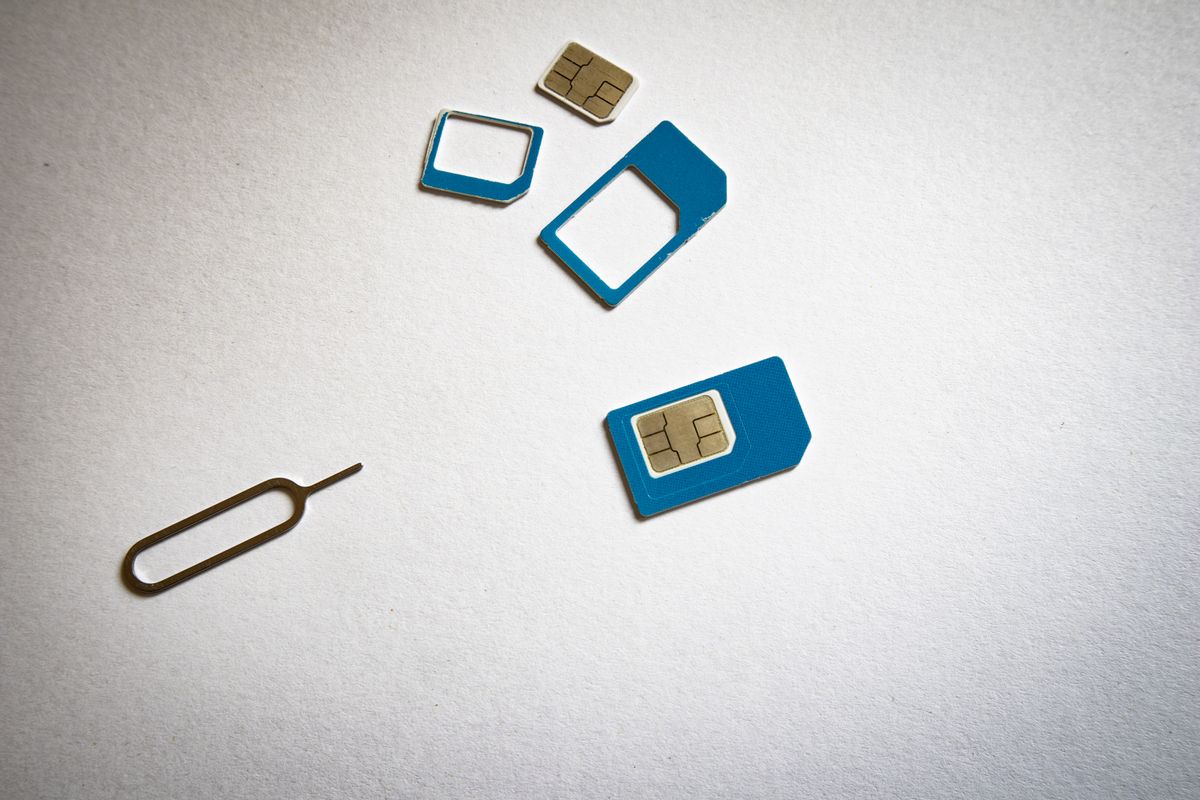
Yes, you can switch back from an eSIM to a physical SIM, but there's no "Convert to physical SIM" button. A physical SIM card has to come from your carrier, so the switch back always goes through them.
- Check that your phone still has a SIM tray. Some phones are eSIM only. Apple says some iPhone 14 and later models only use eSIM, and Google says Pixel 10 and later models sold in the US, except the Pixel 10 Pro Fold, only take an eSIM (Google: Dual SIM on Pixel). On those phones you can't go back to a card.
- Ask your carrier for a new SIM card in a store, by mail or in its app. Google says that after a conversion, you must contact your carrier to re-issue a physical SIM (Google). Ask about any fee.
- Activate the new SIM on your line. Your carrier does this for you, or you do it in its app. In the T-Life app, for example, you choose SIM transfer or activation, pick a SIM card and enter its ICCID number.
- Insert the card with the phone switched off, then turn it on. Once the card works, the eSIM for that number stops working and you can remove it.
Keep the eSIM installed until the new card is active, so you're never without your number. Moving to a new phone instead? Our guide to transferring an eSIM from Android to iPhone covers that switch.
Your home number vs a travel eSIM
Converting to eSIM changes how your home number is stored. A travel eSIM is something else: an extra line you add next to it for a trip. On a phone with Dual SIM you can keep both at once, so your home number still gets calls and texts while the travel eSIM handles mobile data. Here's how to set up and manage a dual eSIM.
Converting before a trip? Do it at home on Wi-Fi. Carriers often confirm the switch with an OTP or SMS to your number, and Airtel and Jio also call you, which is harder to manage abroad.
You don't need to convert your home SIM first. A travel eSIM also works next to a physical SIM card, as long as your phone supports eSIM and is unlocked. SimOptions travel eSIMs are data-only and arrive as a QR code by email, so you can install the eSIM on Wi-Fi before you fly.
Europe, USA and Asia plans shown · data-only eSIMs, no phone number · Find the eSIM for your destination
FAQs
Can I convert my physical SIM to eSIM myself?
Yes, if your phone supports eSIM and your carrier allows it. Look for Convert to eSIM in Settings > Cellular on iPhone, Settings > Connections > SIM manager on Samsung, or Settings > Network & internet > SIMs on Pixel. If it isn't there, use your carrier's app or contact your carrier.
Will I keep my phone number?
Yes. You stay with the same carrier, the same number and the same plan. Only the SIM changes from a card to a digital profile.
Is there a fee to switch from a SIM card to an eSIM?
It depends on your carrier. Verizon, for example, says there's no fee when you move your line in the My Verizon app. Check your carrier's help pages, and ask about fees for a new physical SIM if you plan to switch back later.
What's the difference between a SIM card and an eSIM?
A SIM card is a small removable chip. An eSIM is built into your phone, and your carrier loads your plan onto it as a digital profile. Both connect you to the same network.
Is it easy to switch back to a physical SIM after using an eSIM?
Yes, if your phone has a SIM tray. Ask your carrier for a new SIM card and have it activated on your number, in its app, in store or by phone. On eSIM-only phones, you can't go back to a card.
Can I convert a prepaid SIM to eSIM?
Often yes, but it depends on your carrier. Some limit eSIM or the in-app switch to monthly plans. Verizon's app route, for example, is for standard monthly plans. Ask your carrier if your prepaid plan supports eSIM.
Can I have a physical SIM and an eSIM active at the same time?
Yes, on phones that support Dual SIM. Each SIM has its own number or plan. The same number can't be active on both at once.
Can I use one eSIM on two phones?
No. An eSIM is installed on one device at a time. To use it on a new phone, transfer it with Quick Transfer, your phone's transfer tool or your carrier.