

The best eSIM for Montenegro is a data plan sized to your days there and installed before you fly. Montenegro is not in the EU, so EU "roam like at home" does not cover it and roaming on your home plan can cost a lot. A SimOptions Montenegro eSIM runs on the m:tel network with 5G, activates when you arrive and comes in sizes from 1 GB to 100 GB. It has no Montenegrin number, so you call through WhatsApp, Viber or FaceTime. Need a local number? Crnogorski Telekom and m:tel sell tourist eSIMs, but you verify your identity with a passport or ID card.
Which is the best eSIM for Montenegro?
Short on time? These Montenegro plans are 5G and data-only. Pick the size from the days you stay.
SimOptions Montenegro eSIMs · data only · 5G · m:tel network · See all eSIMs for Montenegro · All destinations
Why you need an eSIM in Montenegro
Montenegro is in Europe, but it is not in the EU. The EU's "roam like at home" rules cover the EU countries plus Iceland, Liechtenstein, Norway, Moldova and Ukraine. Other countries are not covered, and the EU warns that data roaming outside the EU/EEA can be expensive (Your Europe: mobile roaming costs). Some home carriers still include Montenegro in their plans, so check yours before you go.
This may change. On 25 February 2026 the European Commission proposed to open negotiations to bring Montenegro and the other Western Balkan countries into "roam like at home". It only applies once each agreement is finalised (European Commission: roam like at home for the Western Balkans). Until then, a travel eSIM is the simple way to get data at a known cost. Our guide to international roaming vs travel eSIM compares the two.
What to look for in an eSIM for Montenegro
- Coverage: check that Montenegro is on the plan's country list. Not every Europe plan includes Montenegro, so a Montenegro plan is the safe choice.
- Data and days: both are on the plan page. A small plan fits a weekend in Kotor. For two weeks with maps, photos and video calls, look at a bigger one.
- Speed: our Montenegro plans support 4G and 5G.
- A local number: our plans are data-only. If you must call hotels, drivers or tour guides on a normal number, a local tourist eSIM fits better.
- Setup before you fly: you get a QR code by email and install it on Wi-Fi at home. Your phone must support eSIM and be unlocked (see how to check eSIM compatibility).
How much data do you need in Montenegro?
These are the sizes on our Montenegro eSIM page, with what each one suits:
- Montenegro 1GB and 3GB: 1 GB or 3 GB for 3 days. A day trip from Dubrovnik or a short stopover.
- Montenegro 5GB and 10GB: 5 GB or 10 GB for 7 days. A week on the coast with maps, messages and photos.
- Montenegro 20GB: 20 GB for 15 days. Two weeks, with some video.
- Montenegro 50GB: 50 GB for 30 days. A month, or if you work from your phone.
- Montenegro 60GB and 100GB: 60 GB for 90 days or 100 GB for 180 days. A long stay or a season on the coast.
If you run out of data, top-ups are available. Not sure how much you need? Pick the bigger size. Our guide to eSIM data plans shows how to estimate it.
Local tourist eSIM or travel eSIM?
Montenegro has three mobile networks: Crnogorski Telekom, One and m:tel (EKIP, Montenegro's telecoms regulator). Two of them sell tourist eSIMs on their own sites:
- Crnogorski Telekom sells tourist eSIM plans for 10, 15 or 30 days with a local prepaid number. You buy online, get the QR code by email and the plan starts when you first use it in Montenegro. During the purchase you go through an online biometric check with your passport or ID card (Crnogorski Telekom: travelling to Montenegro).
- m:tel sells the Turist prepaid package for 15, 30 or 45 days, and you can buy it as an eSIM online. Registration checks a photo of a valid ID document and a selfie (m:tel: eSIM). Part of the data also works in Albania, Bosnia and Herzegovina, North Macedonia, Serbia and Kosovo (m:tel: Turist).
Crnogorski Telekom says the law requires every mobile card in Montenegro to be registered with an ID card or passport, and that visitors from outside the Balkans and the EU must use a passport (Crnogorski Telekom: eSIM FAQ). A travel eSIM is different: you buy it online, scan a QR code at home and there is no local registration step.
Choose a local tourist eSIM if you need a Montenegrin number for calls. Choose a travel eSIM if you want data the moment you arrive and a plan you can compare and pay for before the trip. You can keep your home number active next to it, see how to set up a dual eSIM.
Which eSIM for Kotor, Budva or Durmitor?
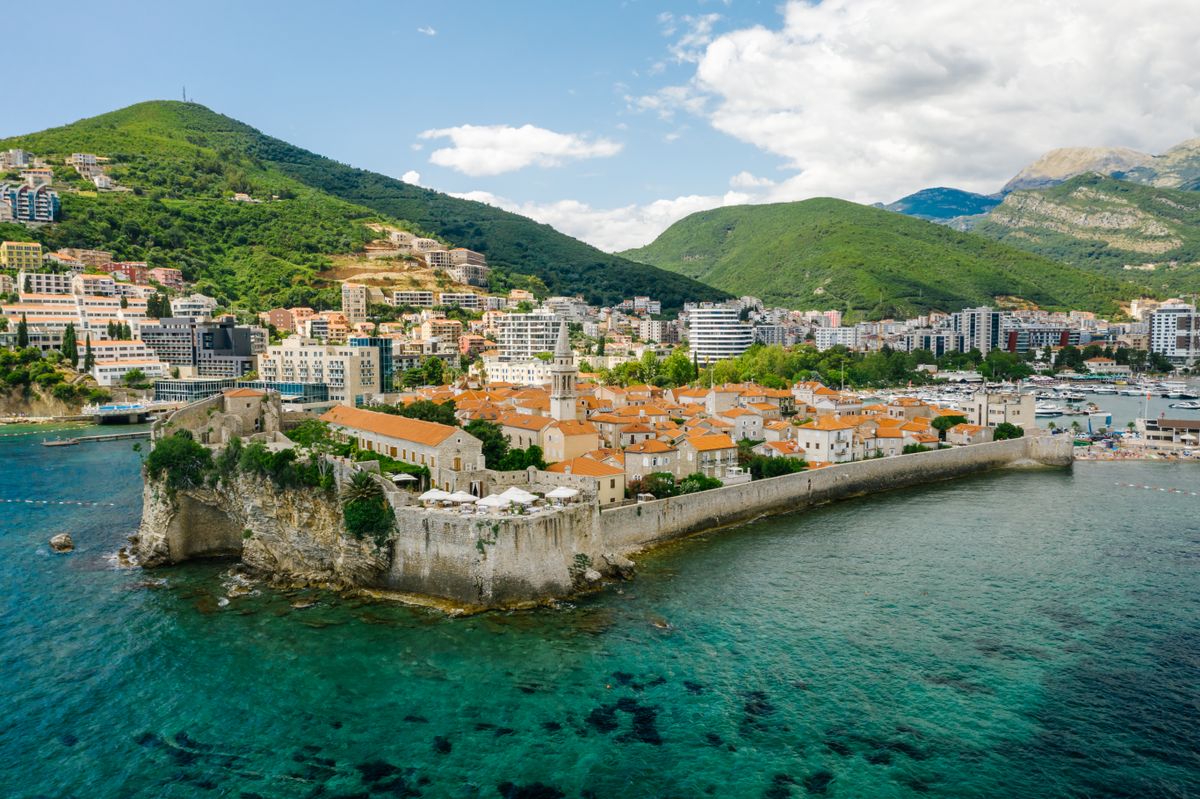
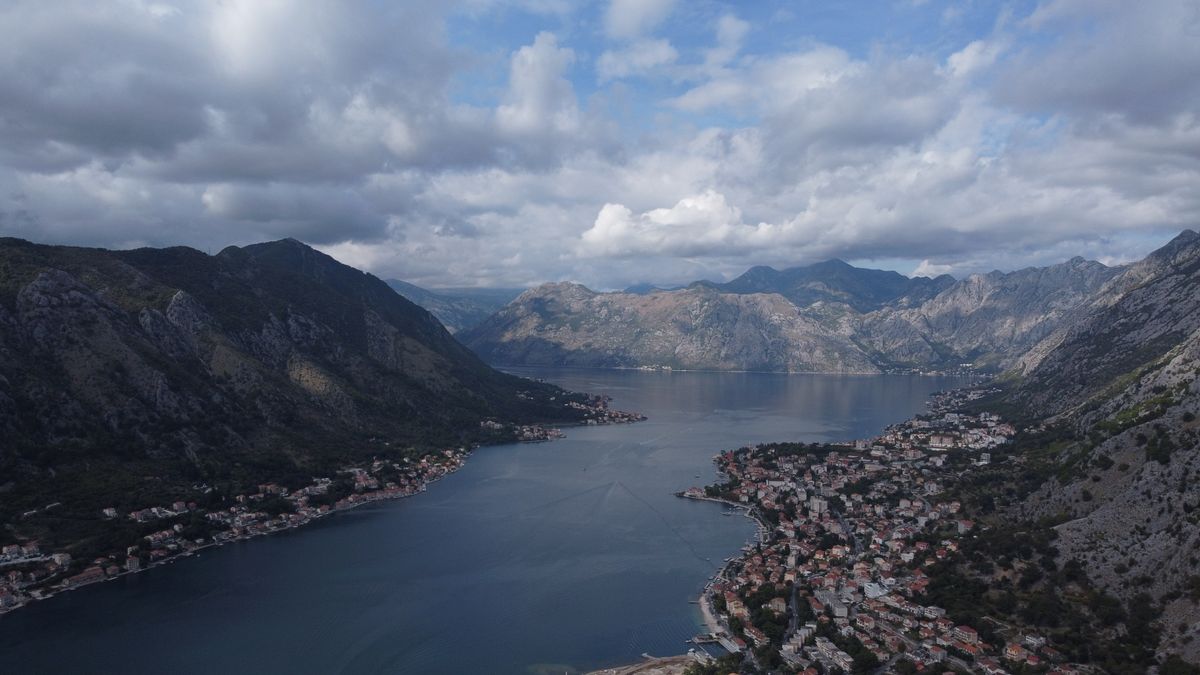
You don't need a different eSIM for each place. A Montenegro plan covers the whole country, from the Bay of Kotor and Budva to Podgorica and the mountains. On the coast, the usual data uses are maps, ride-hailing and booking apps, translation and photos. These need little data, so a 5 GB or 10 GB plan may be enough for a week.
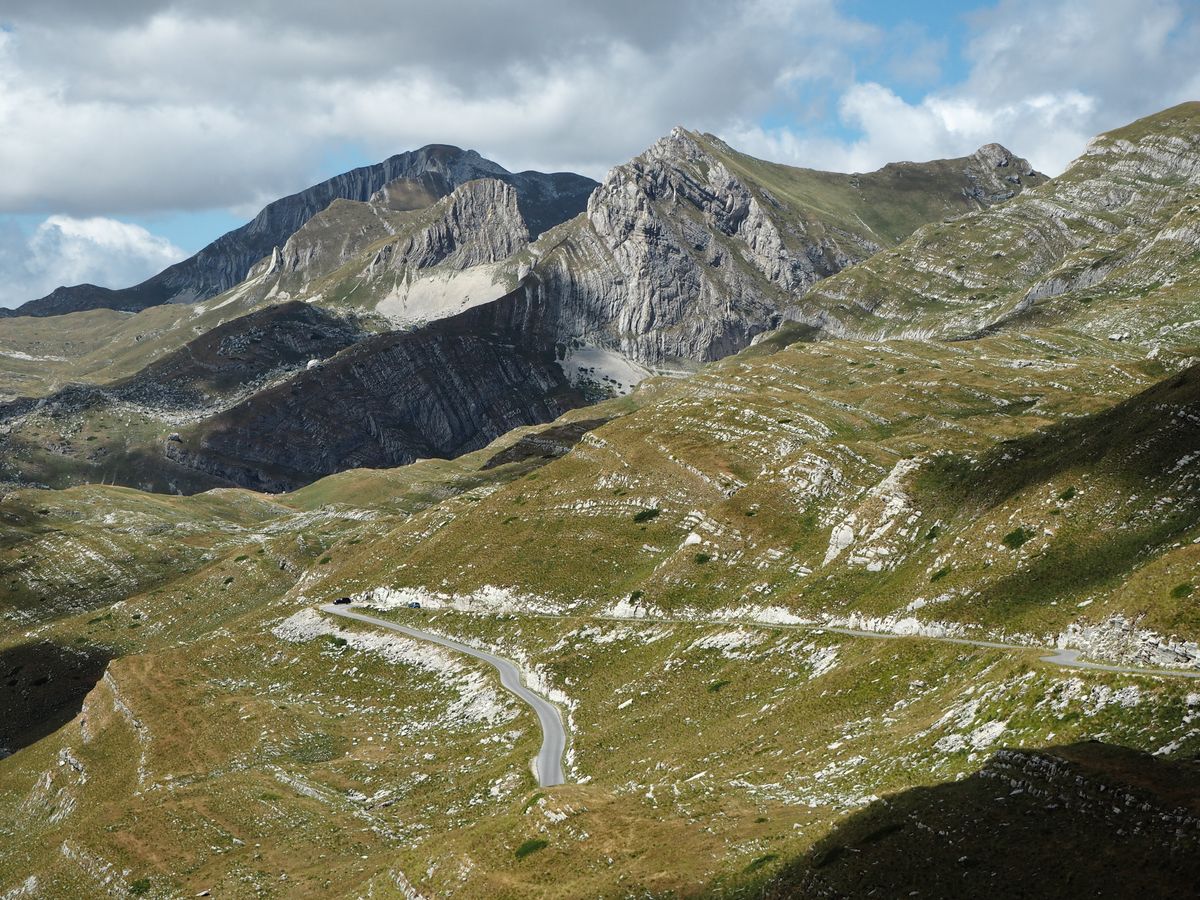
Signal can be weaker in the mountains and deep canyons, whichever network you use. Before a hike in Durmitor National Park or a drive on mountain roads, download offline maps while you still have a good connection.
Visiting Croatia, Albania or Bosnia too?
Many trips to Montenegro start in Dubrovnik or carry on to Albania or Bosnia and Herzegovina. A Montenegro eSIM only works in Montenegro. For each extra country, add its own plan: phones that support eSIM can usually hold several, and you switch the data line in settings. See our eSIMs for Croatia, Albania, Bosnia and Herzegovina and Serbia, and our best eSIM for Croatia guide. Check the country list of any regional plan before you buy, as not all of them include Montenegro.
How do you get an eSIM for Montenegro?
- Check your phone: it must support eSIM and be carrier unlocked. On iPhone, go to Settings > General > About and look for "No SIM restrictions" next to Carrier Lock (Apple: Unlock your iPhone).
- Buy and install on Wi-Fi: you get a QR code by email. Our install guide walks you through it.
- Turn on data for the eSIM when you arrive: it activates in Montenegro. If you keep your home line on too, Apple notes you might still pay roaming fees on it, so switch off its data roaming (Apple: Use eSIM while traveling).
New to buying one? Read how to buy an eSIM online. Not sure what an eSIM is? See what is an eSIM.
FAQ
What is the best eSIM for Montenegro?
It depends on your trip. For data only, a Montenegro eSIM sized to your days is a simple choice. If you need a Montenegrin number for calls, a tourist eSIM from Crnogorski Telekom or m:tel fits better.
Does EU roaming work in Montenegro?
No. Montenegro is not part of the EU's "roam like at home" area. Some carriers include it anyway, so check your plan before you travel.
Can I get an eSIM for Montenegro before I travel?
Yes. Buy it online, install the QR code on Wi-Fi at home, and it activates when you reach Montenegro.
Does a travel eSIM for Montenegro include calls or a local number?
No. SimOptions Montenegro plans are data-only. Use WhatsApp, Viber or FaceTime for calls, or get a tourist eSIM from a local carrier for a Montenegrin number.
Which network does the Montenegro eSIM use?
Our Montenegro plans run on the m:tel network, with 4G and 5G.
Is there a tourist eSIM in Montenegro?
Yes. Crnogorski Telekom and m:tel both sell tourist eSIMs online with a local number. You verify your identity with a passport or ID card when you buy.
Which eSIM is best for Kotor and Budva?
The same Montenegro plan works on the coast and everywhere else in the country. Choose the size from your days and how much video you use.
Does my phone need to be unlocked?
Yes. A carrier-locked phone may not accept an eSIM from another provider. Ask your carrier to unlock it before you travel.

