

An eSIM data plan is a prepaid plan that gives your phone mobile internet through an eSIM, the digital SIM built into your phone. You download it instead of inserting a card. Most eSIM data plans for travel are data-only: you get internet, but no phone number, calls or SMS. Your usual number can stay on your phone at the same time. This guide explains how an eSIM data plan works, how much data you need, and how to buy and install one before your trip.
What is an eSIM data plan?
An eSIM is a digital SIM that lets you use a cellular plan without a physical SIM card (Apple: Set up eSIM on iPhone). Instead of a plastic card, your eSIM provider sends you a profile that your phone downloads, usually with a QR code. The plan on that profile decides what you get.
An eSIM data plan, also called a data-only eSIM, gives you mobile data only. It usually comes with a set amount of data (for example 10 GB) and a set number of days (for example 7 or 30 days).
What you can do with an eSIM data plan
- Use maps, browse, check email and social media.
- Book rides, hotels and tickets in apps.
- Call and message on WhatsApp, FaceTime, iMessage or Messenger. These apps keep using your usual account.
- Share your connection with a laptop or tablet through a hotspot, if the plan allows it.
What a data-only eSIM doesn't do
- It has no phone number, so nobody can call you on it.
- You can't make regular calls or send normal SMS from it.
Need a number too? See eSIM data plan vs phone plan for the difference and how to keep your own number while you travel. Comparing providers? See our list of prepaid eSIM providers.
How does an eSIM data plan work?
Here is what happens from purchase to your first connection.
- You buy the plan online for the country or region you're visiting.
- You get a QR code by email. It holds the eSIM profile.
- You install the eSIM by scanning the QR code in your phone's settings. Do this on Wi-Fi, ideally before you leave.
- The plan connects when you arrive. Many travel eSIMs connect to a local network once you're in a country the plan covers. At SimOptions, the validity days start from your first connection in the destination, not from the day you buy.
- You use the data until it runs out or the days end. Many plans can be topped up if you need more.
Your home number stays on your phone
Most phones that support eSIM can run two lines at once. An iPhone can hold eight or more eSIMs (Apple: Set up eSIM on iPhone) and use two lines at the same time, but only one line can use mobile data at a time (Apple: Use Dual SIM with an eSIM). So the usual setup when you travel is simple:
- Travel eSIM: chosen for mobile data, with data roaming turned on for it.
- Home line: kept on for calls and texts, with data roaming turned off so it doesn't use expensive roaming data.
More on this in our guides to setting up and managing dual eSIM and the correct roaming settings for an eSIM.
Types of eSIM data plans
- Local plans cover one country, like the USA. They suit trips to a single destination.
- Regional plans cover several countries with one eSIM, like Europe or Asia. They suit trips with border crossings.
- Short or long validity: plans run from a few days to a month or more. Pick the length of your trip, not a monthly contract.
- Fixed data or unlimited: most plans give you a set number of GB. Some are unlimited for a set number of days, so check the plan details for any fair use limits.
How much data do you need?
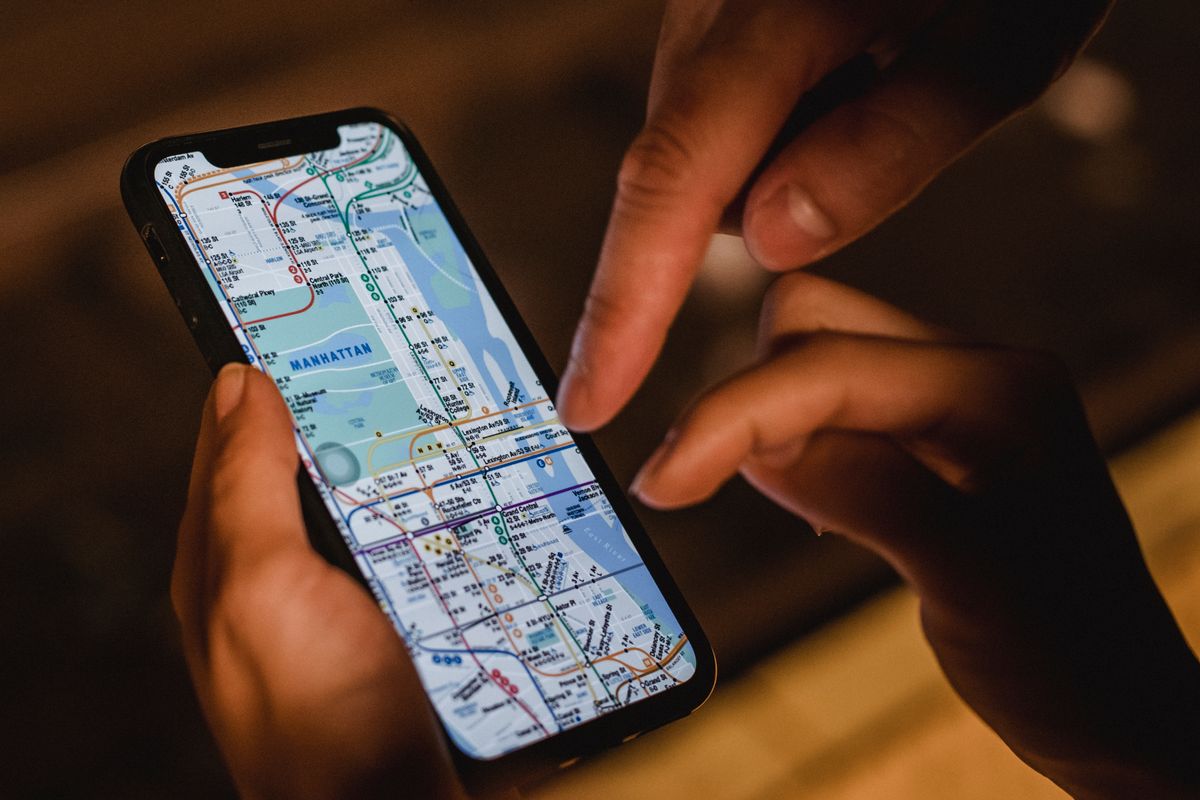
The best guide is your own usage. Check how much mobile data you use in a normal week at home, then plan for a bit more, because you use maps and translation apps more when you travel. On iPhone, look in Settings > Cellular. On Android, see how to check your data usage on Android.
Video and music are what use up data fastest. Some official figures help:
- Video: Netflix says one hour can use up to 0.7 GB in standard quality and up to 3 GB in HD (Netflix: How to control how much data Netflix uses).
- Music: Spotify streams at about 96 kbit/s on Normal and 160 kbit/s on High quality (Spotify: Audio quality). That's roughly 40 to 75 MB per hour.
- Maps: you can download maps for offline use before you leave and save data on the go (Google Maps: Download areas and navigate offline).
So if you mostly use maps, messages and browsing, a smaller plan can be enough. If you stream video or share your connection with a laptop, choose a bigger plan or one you can top up. Our list of low data consumption apps helps you make your data last. Studying abroad? See eSIMs for students abroad, with semester plans and data tips.
Why use an eSIM data plan when you travel?
- Online when you land: you install the eSIM at home, and it connects when you arrive. No hunting for a SIM shop at the airport.
- No roaming bill: you pay once, up front. When the data runs out, you top up or stop. The travel eSIM adds nothing to your home bill.
- No tiny SIM cards: nothing to remove, swap or lose. Your home SIM stays in your phone.
- No contract: you choose the data and the days for this trip only.
- More than one eSIM: you can keep several eSIMs on your phone, for example one per trip, and switch between them in settings.
- Not only for phones: many iPads with cellular support eSIM (Apple: Set up eSIM on iPad), and some Windows laptops do too (Microsoft: Use an eSIM on your Windows PC).
How to buy and install an eSIM data plan
1. Check that your phone supports eSIM
Your phone must support eSIM and be unlocked, so it accepts other carriers' plans. See how to check eSIM compatibility. A quick test: dial *#06#. If you see an EID number, your phone supports eSIM.
2. Choose a plan for your destination
Pick the country or region, then the data and days that match your trip. Going to one country? A local plan is enough. Visiting several countries? Choose a regional plan that covers all of them.
Here are data-only plans for three common trips. They include 10 GB each, and the days only start when you first connect at your destination.
Data-only plans · Europe (34 countries), USA and Asia (26 countries) · Europe · USA · Asia · Find your destination
3. Install the eSIM on Wi-Fi

Your QR code comes by email. Install the eSIM before you leave, while you're on Wi-Fi:
- iPhone: go to Settings > Cellular > Add eSIM (or Mobile Data, depending on your region) and scan the QR code (Apple: Set up eSIM on iPhone).
- Google Pixel: go to Settings > Network & internet > SIMs > Add SIM > Set up an eSIM (Google: Use dual SIMs on Pixel).
- Samsung Galaxy: go to Settings > Connections > SIM card manager > Add mobile plan (Samsung: How to use an eSIM).
Menu names can differ a little between models and software versions. Our step-by-step guide shows each screen: how to install an eSIM. Label the new line "Travel" so you can tell it apart from your home line.
4. Turn it on when you arrive
When you land, choose the travel eSIM for mobile data and turn on data roaming for it. Keep data roaming off on your home line. If it doesn't connect, our guide on how to fix an eSIM that's not activating walks you through the fixes.
FAQs
What is an eSIM data plan?
It's a prepaid plan that gives you mobile data through an eSIM, the digital SIM in your phone. You download it with a QR code. Most travel eSIM data plans are data-only, with no phone number.
What does data-only eSIM mean?
It means the eSIM gives you internet only. You can use apps like WhatsApp and FaceTime, but you can't make regular calls or send SMS from it, because it has no number.
Can I keep my phone number with an eSIM data plan?
Yes, if your phone supports dual SIM. Your home line stays on for calls and texts, and the eSIM data plan handles your mobile data. Turn off data roaming on your home line to avoid roaming charges.
When does my eSIM data plan start?
It depends on the provider. With SimOptions, the plan connects automatically when you reach a country it covers, and the validity starts from that first connection.
What happens when my data runs out?
The eSIM stops giving you data. You can usually top up the same eSIM or buy a new plan. You won't get a surprise bill.
Can I use an eSIM data plan on an iPad or laptop?
Yes, if the device supports eSIM. Many iPads with cellular and some Windows laptops do. You can also share data from your phone with a hotspot, if your plan allows it.
Can I use one eSIM data plan in several countries?
Yes, with a regional plan. For example, a Europe plan covers many countries with one eSIM. Check the country list before you buy.