


The best eSIM for Montserrat is a data plan sized to your days on the island, installed on Wi-Fi before you fly. A SimOptions Montserrat eSIM does that: it runs on the Flow network in 4G/LTE, activates when you land in Montserrat and comes in sizes from 1 GB for 3 days to 20 GB for 15 days. It has no Montserrat phone number, so you call through WhatsApp or FaceTime. Need a local number? Flow and Digicel are the island's main phone providers.
Which is the best eSIM for Montserrat?
Short on time? These Montserrat plans are data-only and 4G/LTE. Pick the size from the days you stay: a long weekend, one week or two weeks.
SimOptions Montserrat eSIMs · data only · 4G/LTE · See all eSIMs for Montserrat · All destinations
What to look for in an eSIM for Montserrat

- Coverage: check that Montserrat is on the plan's country list. Not every Caribbean plan includes it, so a Montserrat plan is the safe choice for the island itself.
- Data and days: both are on the plan page. Montserrat plans last 3, 7 or 15 days, so match the plan to the nights you stay.
- Speed: our Montserrat plan details list 4G/LTE speed.
- A local number: travel eSIMs are data-only. If you must call guides, taxis or guesthouses on a local number, ask Flow or Digicel what they offer visitors.
- Setup before you fly: you get a QR code by email and install it on Wi-Fi at home. Your phone must support eSIM and be unlocked (see how to check eSIM compatibility).
How much data do you need in Montserrat?
These are the sizes on our Montserrat eSIM page, with what each one lasts:
- Montserrat 1GB and 3GB: 1 GB or 3 GB for 3 days. A day trip from Antigua or a short stay.
- Montserrat 5GB and 10GB: 5 GB or 10 GB for 7 days. A week with maps, messages and photos.
- Montserrat 20GB: 20 GB for 15 days. Two weeks, or a stay with video calls.
If you run out of data, top-ups are available. The Montserrat Tourism Authority says all accommodations have Wi-Fi, so you can save your mobile data for the road (Visit Montserrat: FAQs). Our guide to eSIM data plans shows how to estimate what you need, and how to reduce data usage abroad helps you make it last.
Which network does a Montserrat eSIM use?
Our Montserrat plans run on Flow. You don't pick the network yourself: the plan's settings use automatic network selection, with data roaming turned on for the eSIM. The eSIM activates by itself when you reach Montserrat, and you have 1 year to start using it.
Signal still varies by place, whichever eSIM you use. Montserrat is small and hilly, about 13 miles long and 7 miles wide, so download offline maps before you head out on a hike or a boat tour (Google Maps: download areas offline).
Local SIM or travel eSIM?
The Montserrat Tourism Authority names Flow and Digicel as the major telephone providers on the island (Visit Montserrat: FAQs). Both can give you a local number, but you deal with them after you arrive.
A travel eSIM is different: you buy it online, scan a QR code at home and don't visit a shop after you land.
Choose a local line if you stay a long time and need a Montserrat number for calls. Choose a travel eSIM if you want data the moment you land, and a plan you can compare and pay for before the trip. You can keep your home number active next to it (Apple: Use two phone numbers), see how to set up a dual eSIM.
Travel eSIM or roaming with your home carrier?
Most readers of this guide come from the USA, the Netherlands, Canada and the UK. Before you travel, check whether your home plan includes Montserrat and what it costs per day or per gigabyte. Apple's advice is the same: check with your carrier whether international roaming is included on your plan (Apple: Use eSIM while traveling). If it isn't included, a data-only travel eSIM is usually the simpler choice. We compare both in international roaming vs travel eSIM.
Which eSIM for Little Bay, Brades or the volcano?
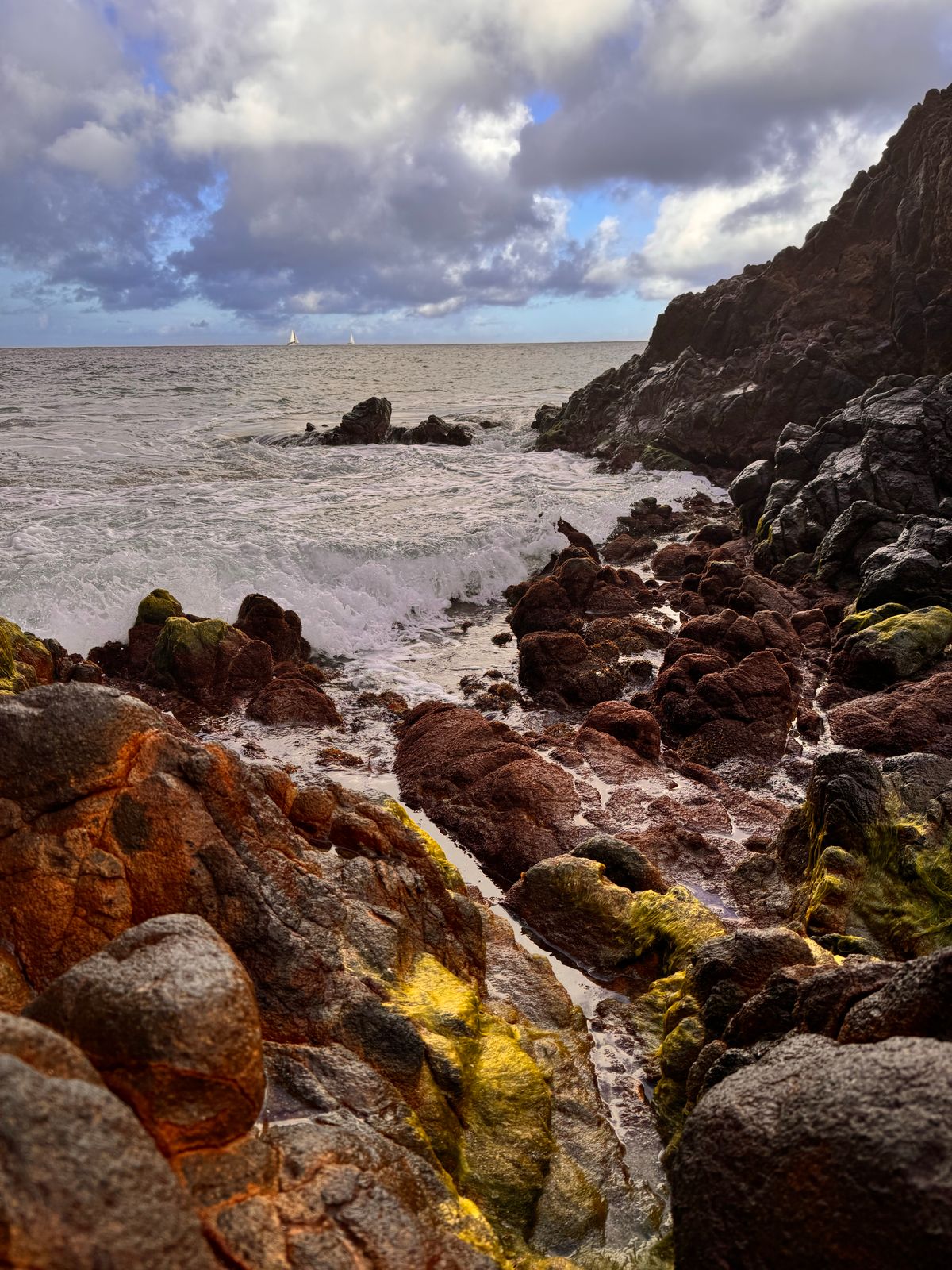
You don't need a different eSIM for each place. A Montserrat plan covers the whole island, from Little Bay and Brades to the beaches of the west coast. The island is linked by one main road, and you arrive at John A. Osborne Airport (Visit Montserrat: getting here).
Planning a tour to the volcano or the buried capital, Plymouth? The UK government says the Soufrière Hills volcano is watched 24 hours a day, and zone V around it is open only with permission from the authorities (GOV.UK: Montserrat regional risks). Visit Montserrat says the Buried City tour of Plymouth runs only with a certified tour guide, so follow your guide rather than your map app (Visit Montserrat: tours).
Flying in through Antigua?
Visit Montserrat says your first stop in the Caribbean is Antigua or St. Maarten: from Antigua it is a 20-minute flight, from St. Maarten 50 minutes (Visit Montserrat: getting here). The UK government's travel advice says there is currently no ferry service (GOV.UK: Montserrat entry requirements).
A Montserrat plan works in Montserrat only. If you stay in Antigua before or after, buy an Antigua and Barbuda eSIM too. You can install both at home and switch to the second one when you land. Check the country list of any plan before you buy.
Antigua and Barbuda plans · data only · See the Antigua and Barbuda eSIMs · All destinations
How do you get an eSIM for Montserrat?
- Check your phone: it must support eSIM and be carrier unlocked. On iPhone, go to Settings > General > About and look for "No SIM restrictions" next to Carrier Lock (Apple: Unlock your iPhone).
- Buy and install on Wi-Fi: you get a QR code by email. Our install guide walks you through it.
- Turn on the eSIM when you land: turn on data roaming for the Montserrat eSIM, and use it as your data line so your home line doesn't run up roaming charges. Our guide to the correct roaming settings for an eSIM shows how.
New to buying one? Read how to buy an eSIM online. Not sure what an eSIM is? See what is an eSIM.
FAQ
What is the best eSIM for Montserrat?
It depends on your trip. For data only, a Montserrat eSIM sized to your days is a simple choice: 3 GB for a short stay, 10 GB for a week, 20 GB for two weeks. If you need a local number, ask Flow or Digicel.
Which eSIM offers the best value for money in Montserrat?
Compare the price per day of your trip, not just per gigabyte. Pick the smallest plan that covers your days with some margin, and top up if you run low. Our Montserrat eSIM page lists every size with its current price.
Can I buy an eSIM for Montserrat online before I travel?
Yes. Buy it online, install the QR code on Wi-Fi at home, and it activates when you reach Montserrat.
Does a travel eSIM for Montserrat include calls or a local number?
No. SimOptions Montserrat plans are data-only, with no phone number. Use WhatsApp or FaceTime for calls, or get a line from a local provider for a Montserrat number.
Which network does the Montserrat eSIM use?
Our Montserrat plans run on Flow, in 4G/LTE.
Does a Caribbean eSIM work in Montserrat?
Check the plan's own country list first. Our Caribbean plans don't list Montserrat in their coverage, so use a Montserrat plan on the island, and add a plan for each other island you visit.
Does my phone need to be unlocked?
Yes. A carrier-locked phone may not accept an eSIM from another provider. Ask your carrier to unlock it before you travel, see how to unlock your phone.

