
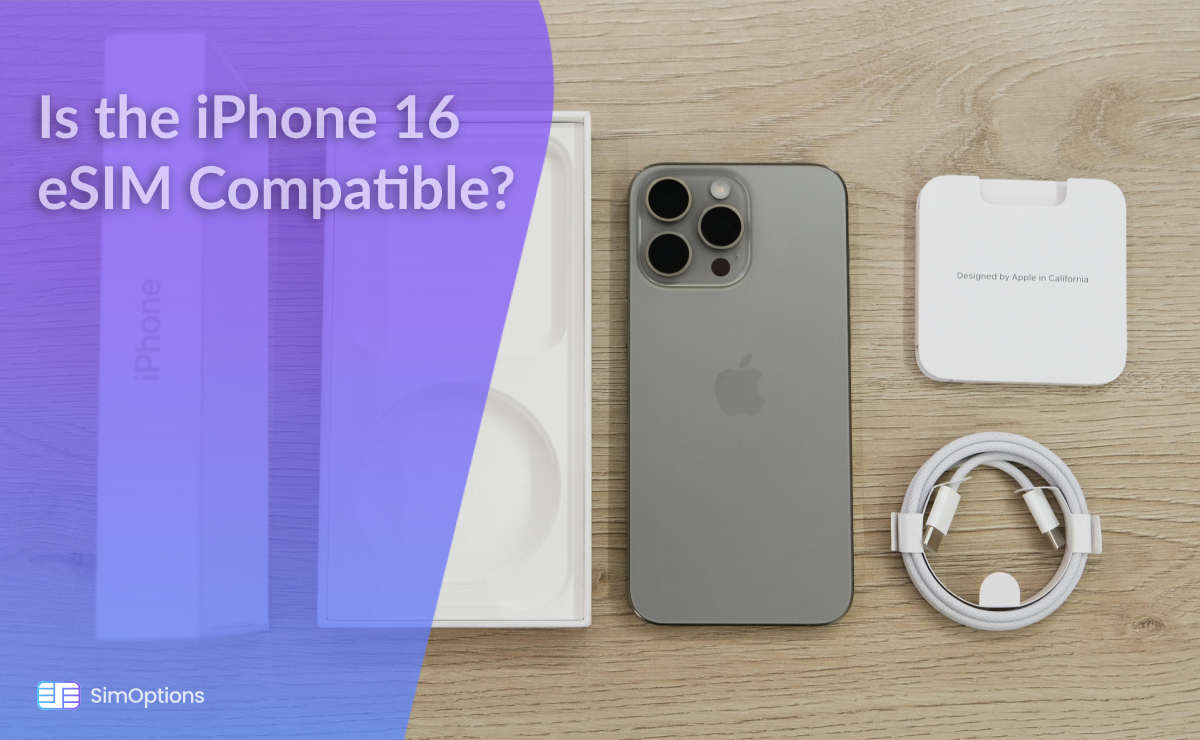
Yes, the iPhone 16 is eSIM compatible. It is important to note that while the iPhone 16 models sold in the U.S. are eSIM-only, versions available in other regions such as Europe, Asia, and parts of Africa still include a physical SIM card tray. This dual compatibility ensures that users outside the U.S. can still access traditional SIM services while enjoying the benefits of eSIM technology. As eSIM adoption continues to grow globally, Apple’s approach may encourage more carriers and manufacturers to embrace this technology, ultimately paving the way for it to become the standard in smartphone connectivity.
Here’s a list of other iPhone models that support eSIM technology:
• iPhone XS
• iPhone XR
• iPhone 11 Series
• iPhone 12 Series
• iPhone 13 Series
• iPhone 14 Series
• iPhone 15 Series
• iPhone 16 Plus
• iPhone 16 Pro
• iPhone 16 Pro Max
How To Know If My iPhone Is eSIM Compatible?
To determine if your iPhone supports eSIM technology, follow these steps:
1. Check the Model
First, confirm your iPhone model. eSIM support starts from the iPhone XS and XR models and includes all subsequent models, such as the iPhone 11, 12, 13, 14, 15, and 16.
2. Access Settings
• Open the Settings app on your iPhone.
• Navigate to General.
• Tap on About.
• Scroll down to find the EID number. If you see an EID number listed there, your iPhone is eSIM compatible.
3. Dial *#06#
There is a code you can dial to check if your phone (Android or iPhone) is eSIM compatible. You can dial *#06# on your device. If your phone supports eSIM, an EID (Embedded Identity Document) code will be displayed on the screen. This indicates that your device is capable of using eSIM technology.
By following these steps, you can easily verify whether your iPhone is equipped to use eSIM technology.
Check out: How to Check eSIM Compatibility
Things to Remember
When considering eSIM compatibility for your device, here are two important factors to keep in mind:
1. Carrier Lock
Carrier-locked devices are tied to a specific network provider, which means you may not be able to use an eSIM from a different carrier until the device is unlocked. If your phone is carrier-locked, you will need to contact your carrier to unlock it before you can switch to a different eSIM provider or use an international eSIM while traveling.
Check out: How to Prepare Your Phone for International Travel
2. Country of Origin
The country of origin can affect eSIM functionality. Some devices may have restrictions based on the region they were purchased in, which can impact the availability of eSIM services. It is essential to check if your device supports eSIM in your current country and whether your carrier offers eSIM plans.
By keeping these factors in mind, you can better navigate the use of eSIMs on your device.
Troubleshooting Guides
1. Guide #1: Are you having trouble activating your eSIM? Explore the typical pitfalls users face when attempting to activate their eSIMs. Check out: Can’t Activate My eSIM: 4 Common Mistakes and How to Avoid Them, where practical advice is provided to help you navigate the activation process smoothly, ultimately enhancing your eSIM experience and reducing frustration.
2. Guide #2: You already activated your eSIM, but it is not working. Check out: eSIM Not Working? 8 Ways to Fix It! And find practical solutions for common eSIM issues. Discover essential troubleshooting steps, including checking device compatibility, updating software, and adjusting settings, to help you restore your eSIM functionality effectively.
3. Guide #3: Would you like to know how many eSIMs your iPhone supports? Then check out: How Many eSIMs Can You Have in Your iPhone? And discover the true potential of your smartphone. You may also want to check: How to Set Up and Manage a Dual eSIM on Your Device.
4. Guide #4: Discover common eSIM network problems and the best advice to solve them in eSIM Network Not Available: 7 Ways To Fix it!