

The best eSIM for Argentina depends on how long you stay and whether Argentina is your only stop. If you stay in Argentina, an Argentina plan gives you the most data for your money. If you also cross into Chile, Brazil or Uruguay, one South America plan covers them all. Both are data only, install at home and connect when you land. Plan details here come from our Argentina eSIM page and South America eSIM page.
Short on time? Here are three picks for three typical trips: one week, two weeks and a month.
Argentina 10GB (7 days) · Argentina 20GB (15 days) · Argentina 50GB (30 days) · all data only · See all eSIMs for Argentina
What makes an eSIM the best one for Argentina?
There's no single best eSIM for everyone. The right one is the plan that fits your trip. Check these points before you buy:
- Data and days: enough data for the length of your stay, so you don't run out halfway through Patagonia.
- Countries covered: Argentina only, or Argentina plus Chile, Brazil or Uruguay if you cross borders.
- Top-ups: the option to add data instead of buying a new eSIM.
- When the days start: ideally when you land, not when you buy or install it.
- Phone number: most travel eSIMs are data only. Decide if you really need an Argentine number.
- Your phone: it must support eSIM and be unlocked.
Our eSIMs for Argentina: the details
SimOptions sells six Argentina plans and five South America plans. According to the plan details on both pages, they work the same way:
- Argentina plans: 1 GB or 3 GB for 3 days, 5 GB or 10 GB for 7 days, 20 GB for 15 days and 50 GB for 30 days.
- South America plans: 1 GB or 3 GB for 3 days, 5 GB or 10 GB for 7 days and 20 GB for 15 days.
- South America countries: Argentina, Bolivia, Brazil, Chile, Colombia, Ecuador, French Guiana, Paraguay, Peru and Uruguay.
- Phone number: no. Data only, with no calls or SMS.
- Speed: 4G/LTE.
- Activation: once installed, the eSIM activates automatically when you arrive in a covered country.
- Top-ups: available, so you can add data if you run low.
- Expiry: if you don't use the eSIM within a year of buying it, it becomes invalid.
Every plan is prepaid with no contract, and your QR code comes by email.
Which eSIM is best for your Argentina trip?
Start with how long you stay. Then check if you visit other countries and if you need a phone number.
A week or less: Argentina 5GB or 10GB
For a long weekend or a week in Buenos Aires, you need 1 GB to 10 GB. Argentina 5GB and 10GB both last 7 days. When we checked our pages, each Argentina plan cost less than the South America plan of the same size and length, so stick with the Argentina plan if you don't leave the country. Prices can change, so compare both pages before you buy.
Two weeks: Argentina 20GB
Two weeks from Buenos Aires to Iguazu Falls, Mendoza or El Calafate? Argentina 20GB lasts 15 days. That's enough for daily maps, ride apps, social media, photos and some video calls.
A month or more: Argentina 50GB
Working remotely from Buenos Aires or travelling slowly down to Patagonia? Argentina 50GB lasts 30 days, and there's no South America plan that big. For a longer stay, top it up instead of buying a new eSIM.
Argentina and Chile, or another neighbour
An Argentina plan only works in Argentina. Many trips cross the border: a Patagonia route from El Chaltén and El Calafate to Torres del Paine in Chile, a few days in Santiago, or a ferry from Buenos Aires to Uruguay. One South America plan covers Argentina, Chile, Brazil, Uruguay and six more countries, so you don't swap eSIMs at the border.
It also helps at Iguazu Falls. The park sits on the border with Brazil, and Puerto Iguazú (Argentina), Foz do Iguaçu (Brazil) and Ciudad del Este (Paraguay) are all close together (Argentina.gob.ar: Iguazú National Park). If you visit the Brazilian side, or your phone picks up a Brazilian or Paraguayan network near the border, an Argentina-only plan won't give you data there. The South America plan covers all three countries.
Planning two weeks in Argentina and Chile, for example? This plan connects in both.
For a longer route through the continent, see our guide to the best eSIM for South America.
You need a phone number
The Argentina and South America plans are data only. You can still call and text with WhatsApp, FaceTime or iMessage, see how to make calls with a data-only eSIM. Your home SIM also stays on your phone, so you keep getting texts and bank codes on your usual number. If you need an Argentine +54 number, you need a line from a local carrier (see below).
Other ways to get connected in Argentina
A SimOptions eSIM isn't your only option. Here is a fair look at the others.
A local line from Personal, Claro or Movistar
Argentina's three mobile carriers, Personal, Claro and Movistar, all sell prepaid lines for tourists, and all three support eSIM. A local line gives you a +54 number and local rates, which can make sense for a long stay. But each carrier asks for your passport, and getting the line as an eSIM takes extra steps. Our guide to eSIM providers in Argentina covers each carrier and the ID rules for visitors. For most trips, a travel eSIM that already works when you land is simpler.
Global eSIM apps
Many global eSIM sellers have Argentina plans too, and most are data only. Compare them on the same points as above: data, days, countries covered, top-ups, when the days start and whether you need a number.
Your home carrier's roaming
Check your own plan before you buy anything:
- From the USA or Canada: some plans include data in Argentina, often at reduced speed or for a daily fee. Check your carrier's roaming page for Argentina.
- From the UK, Australia or elsewhere: check your carrier's roaming prices for Argentina before you go.
- From the EU: "roam like at home" only applies inside the EU and EEA, so it doesn't cover Argentina (Your Europe: mobile roaming costs).
If roaming is expensive or your high-speed allowance is small, an Argentina eSIM next to your home line gives you local data at a fixed prepaid price. Our tips to avoid roaming charges help too.
How much data do you need in Argentina?
It depends on how you use your phone. Wi-Fi at your hotel helps a lot. As a rough guide:
- 3 to 7 days: 1 GB to 10 GB for maps, messages and ride apps.
- 7 to 15 days: 10 GB to 20 GB, enough for social media, photos and some video calls.
- 15 to 30 days: 20 GB to 50 GB, or more if you stream or work online.
Sharing your connection with a laptop or a friend's phone? Hotspot uses data fast, so go a size up.
Does an eSIM work in Patagonia and at Iguazu Falls?
Your eSIM covers the whole of Argentina, but it can only connect where there's a mobile network. In towns like El Calafate, El Chaltén and Ushuaia, you're far more likely to get signal and Wi-Fi. Out on mountain trails, glaciers and long roads through the steppe, signal can be weak or missing, whatever eSIM or local SIM you use.
- Los Glaciares National Park: the park has no public phone. Argentina's national parks service says there's Wi-Fi at the restaurant at Perito Moreno Glacier and at tourist businesses in El Chaltén (Argentina.gob.ar: Los Glaciares services).
- Iguazú National Park: there's no public phone either, but the park has zones with free Wi-Fi (Argentina.gob.ar: Iguazú services). Near the border, remember the Brazil and Paraguay tip above.
Before a hike or a long drive, download offline maps (Google Maps Help: offline maps), save your accommodation details and tell someone your route.
Is your phone compatible?
Your phone must support eSIM and be unlocked. Dial *#06#: if you see an EID number, your phone supports eSIM. For Android phones and older iPhones, see our guide to checking eSIM compatibility. If you bought your phone from a carrier, ask it to unlock the phone before you travel.
How to set up your eSIM for Argentina
- Buy your plan on the Argentina eSIM page, or the South America eSIM page. Your QR code comes by email.
- Install it at home on Wi-Fi before you fly. Step-by-step help: how to install an eSIM and Apple's guide to setting up eSIM on iPhone.
- Label the line "Argentina" or "Travel" so you can tell it apart from your home line.
- When you land, the eSIM connects automatically. Choose it as your line for mobile data and turn on data roaming for it. On iPhone, go to Settings > Cellular (or Mobile Data) > Cellular Data and pick the travel eSIM (Apple: Using Dual SIM with an eSIM).
- Turn off data roaming on your home line, so it can't use data abroad.
No signal after you land? Our guide on what to do when your eSIM is not activating walks you through the fixes.
Keep your phone safe in Argentina
The UK government's travel advice for Argentina warns that thieves can snatch a mobile phone while you're using it on the street, and that thieves on motorbikes grab bags from pedestrians. It also names busy areas of Buenos Aires where you should take extra care, including La Boca outside the Caminito area, Palermo, San Telmo and Florida Street (GOV.UK: Argentina safety and security). A few simple habits help:
- Check maps before you set off, and step into a shop or café if you need your phone on the move.
- Keep your phone away from the road side of the pavement.
- Set a screen lock and turn on Find My (iPhone) or Find My Device (Android) before you travel.
Read the current advice from your own government before you go. More tips in our guide to staying safe online while travelling.
Top places to visit in Argentina
Argentina runs from the subtropical forest around Iguazu Falls in the north to Tierra del Fuego in the far south, with the Andes along its western border with Chile. Here are five places worth a visit, with a connection tip for each.
Buenos Aires
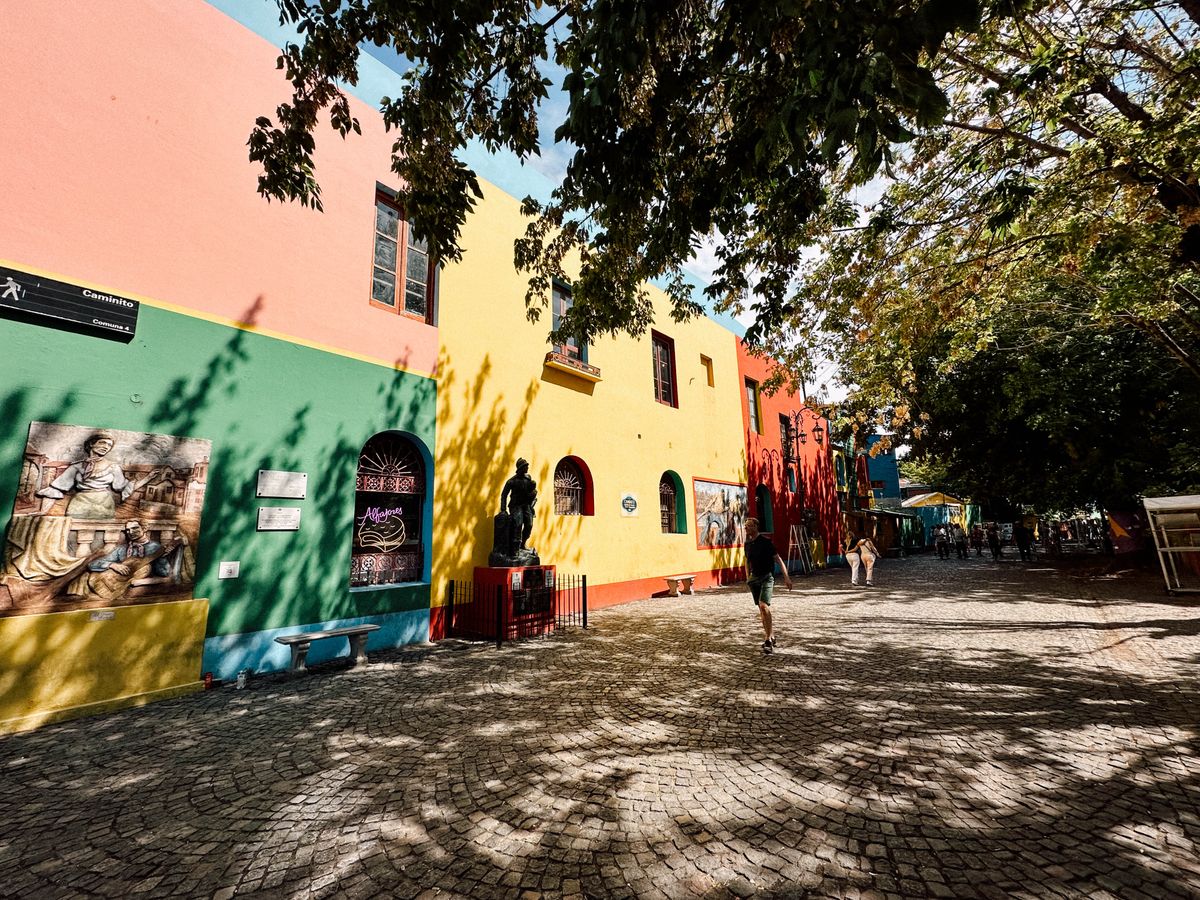
The capital is a big city with lots to see. Take a tour of the Teatro Colón opera house, walk through Recoleta and its famous cemetery, stroll the old docks of Puerto Madero and spend an afternoon in the Bosques de Palermo parks. Tango was born around the Río de la Plata and is on UNESCO's list of intangible cultural heritage (UNESCO: Tango). You'll see it in dance halls, shows and sometimes in the street. Plan at least three days. A small Argentina plan is enough for a city break.
Los Glaciares National Park and Perito Moreno Glacier

Los Glaciares, in Santa Cruz province, covers more than 726,000 hectares and has been a UNESCO World Heritage site since 1981 (Argentina.gob.ar: Los Glaciares National Park). Its best-known glacier is Perito Moreno, close to El Calafate. You can see it from more than 4.5 km of walkways or on a boat trip on Lago Argentino, and now and then large chunks of ice break off its front. The parks service recommends visiting between September and April. From May to October it's cold and snowy, and some trails and activities are harder to reach. The only Wi-Fi the parks service lists at the glacier is at the restaurant, so download what you need in El Calafate.
El Chaltén
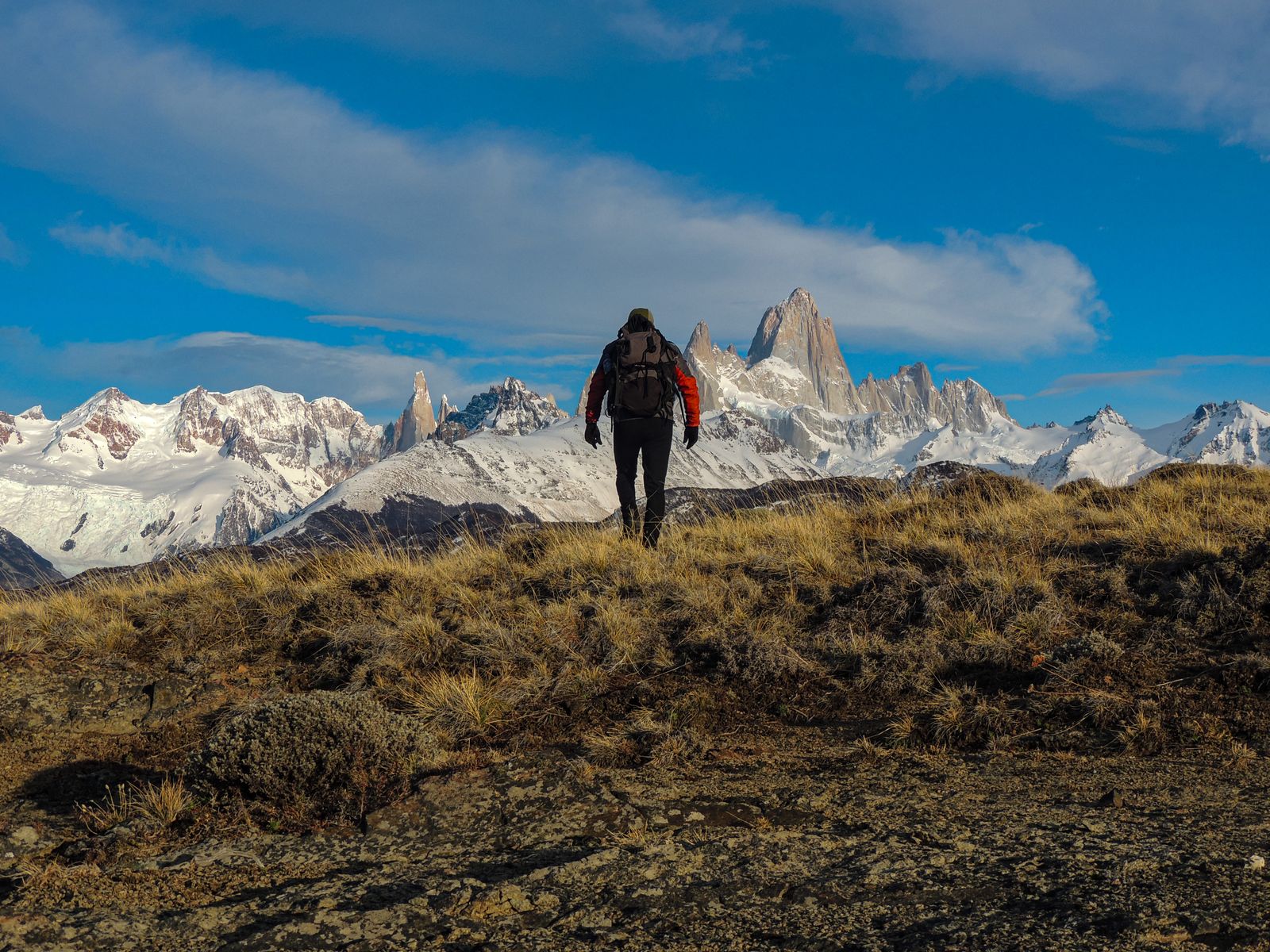
El Chaltén is a small village in the north of Los Glaciares National Park, known as Argentina's national trekking capital. Its name means "smoking mountain" in the Tehuelche language, after the clouds that often cover Mount Fitz Roy (Argentina.gob.ar: Los Glaciares overview). The parks service lists Laguna Capri as a good hike if you only have a day. The walk to Laguna de los Tres, at the foot of Fitz Roy, is 25 km and takes 8 to 9 hours, and Laguna Torre is 18 km there and back (Argentina.gob.ar: Los Glaciares activities). Lago del Desierto, 37 km north of the village, makes a good day trip. Signal can be weak or missing on the trails, so download offline maps in the village first.
Ushuaia and Tierra del Fuego

Ushuaia, in the province of Tierra del Fuego, is known as the city at the end of the world. Tierra del Fuego National Park, just outside town, is Argentina's southernmost protected area, where the Andes meet the sea at the Beagle Channel. Ushuaia is also the main port for trips to Antarctica (Argentina.gob.ar: Tierra del Fuego National Park). Boat trips on the channel pass islands with sea lions and the Les Eclaireurs lighthouse. Going on to Antarctica? Your Argentina eSIM won't work there, so plan to be offline.
Iguazu Falls
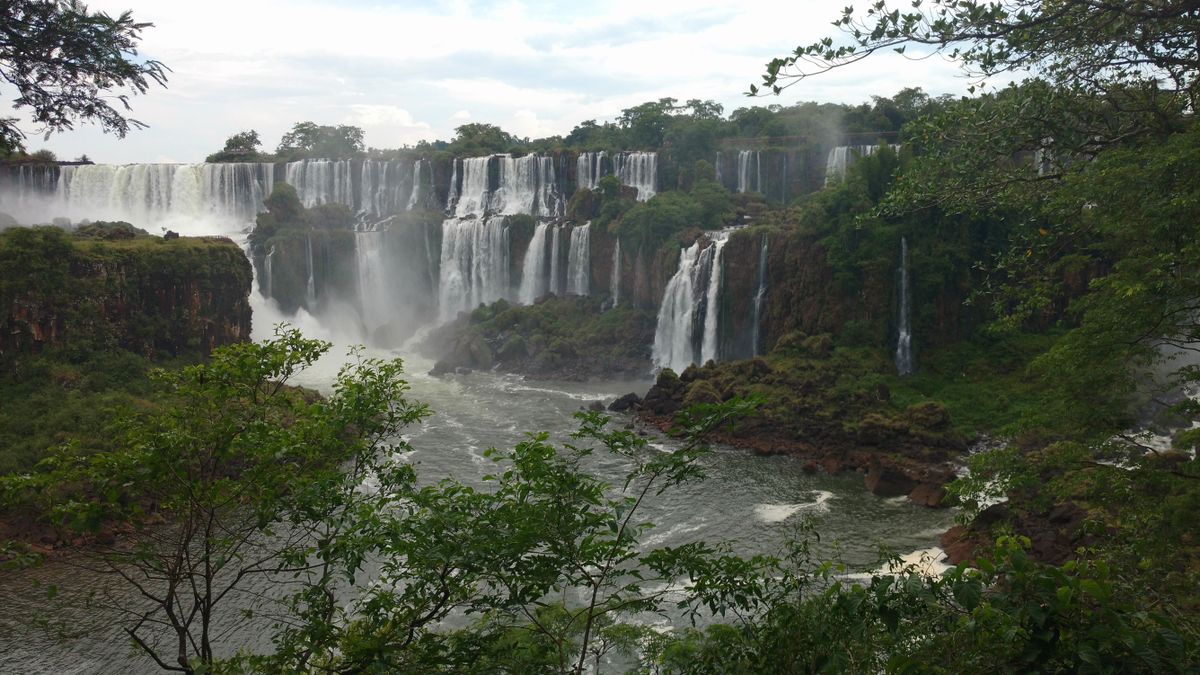
Iguazú comes from the Guaraní words for "big water". The falls sit in Iguazú National Park in the north of Misiones province, on the border with Brazil. They are one of the New Seven Wonders of Nature, and the park has been a UNESCO World Heritage site since 1984 (Argentina.gob.ar: Iguazú National Park). Walk the Upper and Lower Circuits, then take the jungle train to the walkways over the river to the Devil's Throat (Garganta del Diablo). The park is open all year, but it's busiest in the December to February summer holidays and in July. If you also visit the Brazilian side, pick the South America plan.
FAQs
What is the best eSIM for Argentina?
It depends on your trip. If you only visit Argentina, an Argentina plan: 5 GB or 10 GB for a week, 20 GB for two weeks, 50 GB for a month. When we checked, the Argentina plans cost less than the South America plans of the same size. If you also visit Chile, Brazil or Uruguay, pick a South America plan.
What is the best eSIM for Argentina and Chile?
A regional plan that covers both countries, so you don't swap eSIMs at the border. The SimOptions South America plans cover Argentina, Chile and eight more countries, with up to 20 GB for 15 days.
Does a travel eSIM work in Buenos Aires and Patagonia?
Yes. The SimOptions Argentina and South America plans cover the whole country, so they work in Buenos Aires, Mendoza, El Calafate, Ushuaia and other places with mobile coverage. On mountain trails and remote roads, signal can be weak or missing, so download offline maps first.
Can I get an Argentine phone number with a travel eSIM?
Not with the SimOptions plans, which are data only. For a +54 number, you need a line from Personal, Claro or Movistar, and you need your passport to get it. See eSIM providers in Argentina.
Can I buy a tourist SIM card in Argentina?
Yes. Personal, Claro and Movistar all sell prepaid lines for tourists, and each one asks for your passport. A travel eSIM skips that step: you buy it online and install it before you fly.
Can I top up my Argentina eSIM?
Yes. Top-ups are available on the SimOptions Argentina and South America plans, so you can add data instead of buying a new eSIM.
When should I install my eSIM for Argentina?
Install it at home on Wi-Fi a day or two before you fly. It activates automatically when you arrive in Argentina, so your days start then. If you don't use it within a year of buying it, it becomes invalid.
Can I keep my own number and WhatsApp?
Yes. On a dual SIM phone, your home line stays on next to the travel eSIM. WhatsApp keeps your usual number and works over the eSIM's data.

