



Looking for an eSIM in Argentina? You have two kinds of options. The three local carriers, Personal, Claro and Movistar, all support eSIM, but each one handles visitors differently and asks for your passport. Or you can buy a data-only travel eSIM, like the SimOptions Argentina eSIM, and install it at home before you fly. This guide compares the eSIM providers in Argentina, explains the ID rules and shows you how to set everything up.
eSIM providers in Argentina
Argentina has three mobile networks. According to the national competition authority, Claro had about 42% of the mobile market, Personal about 34% and Movistar about 24% before Telecom Argentina's purchase of Movistar's parent company (Argentina.gob.ar: ANC decision). Here's what each one offers you as a visitor, checked on their own websites.
Personal eSIM in Argentina
Personal is the mobile brand of Telecom Argentina. It sells a prepaid tourist SIM at Personal branches, branches in shopping centres and authorised kiosks. If you buy it at an official Personal point of sale, your line is already active. If you buy it at a kiosk, you have to go to an official point of sale to activate it, and you need your DNI or passport (Personal: prepaid SIM for tourists).
Want the Personal line as an eSIM? Here's how it works:
- Your phone must be unlocked. Personal says the eSIM works on specific devices that are unlocked and have no SIM lock. Dial *#06#: if you see an EID code, your phone supports eSIM.
- Ask for the eSIM. Personal's tourist page says you can manage the eSIM at its commercial offices or through WhatsApp. Existing line holders can also request it in the Mi Personal app.
- Only the line holder can ask. Personal checks your identity before it switches the line to eSIM, and your physical SIM stops working once the switch is done.
- Scan the QR code. Personal sends a QR code by email, which you scan to install the eSIM (Personal: what is eSIM Personal).
You can top up your Personal line in the Mi Personal app or on Personal's recharge portal.
Claro eSIM in Argentina
Claro sells a prepaid tourist SIM and its tourist page has an "Activate eSIM" option that it says you can do 100% online. If you prefer a physical SIM, you can get it at a Claro customer service centre and activate it there. Either way, Claro says you need your passport and your line number to activate the line (Claro: tourist SIM).
Claro's terms say its internet packs include WhatsApp use that doesn't count against your data, with a daily limit (Claro: tourist SIM terms).
Movistar eSIM in Argentina
Movistar's tourist offer is a prepaid SIM card that you get at kiosks or Movistar points of sale. To activate it, you message Movistar on WhatsApp and send a photo of your passport or foreign ID, a selfie holding it, a photo of the SIM card, the address where you're staying and how long you'll be in Argentina. You then pick a data pack (Movistar: SIM card for tourists).
Movistar also sells an eSIM, but you order it in the Mi Movistar app and only the line holder or an authorised person can ask for it. The QR code arrives by email within 24 business hours (Movistar: order a new SIM). Its tourist page doesn't offer a tourist eSIM directly.
Good to know: Telecom Argentina, the company behind Personal, is buying Movistar's parent company. In June 2026 the competition authority approved the deal only on conditions, including moving 6 million mobile customers to a new, independent operator (ANC). Brands and offers may change over the next months, so check the carrier's site just before you go.
Travel eSIMs (like SimOptions)
A travel eSIM is a data plan you buy online before your trip. You get a QR code by email and install it at home. The SimOptions Argentina eSIM plans are data-only, with no Argentine phone number. They activate automatically when you arrive in Argentina, and you can top them up if you run low.
Passport and ID rules for a local eSIM in Argentina
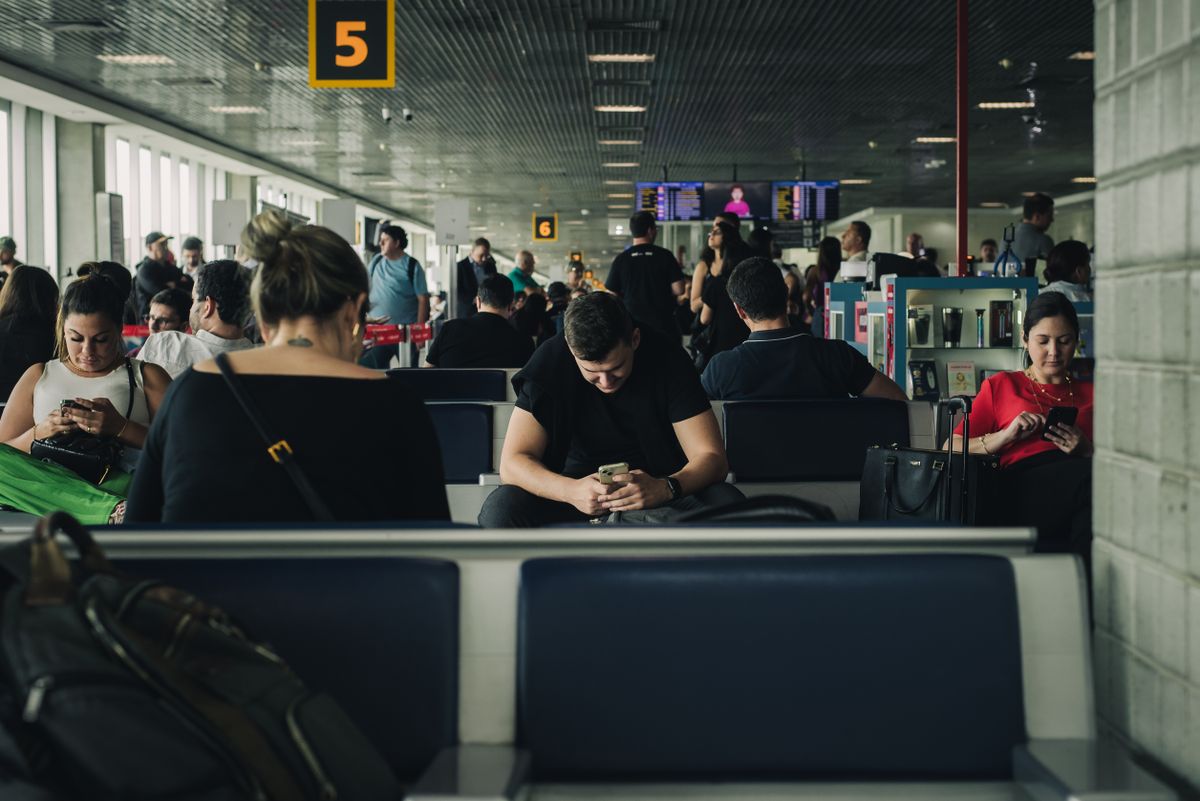
All three carriers tie a prepaid line to a real person. As a visitor, that means your passport:
- Personal: activation at an official point of sale with your DNI or passport. Only the line holder can switch the line to eSIM.
- Claro: your passport and line number to activate the tourist SIM or eSIM.
- Movistar: a photo of your passport or foreign ID, a selfie with it, your address in Argentina and the length of your stay, sent by WhatsApp.
Keep your passport with you when you buy a local SIM or eSIM. Only buy from the carriers' own shops, websites or official sellers, since you're sharing your ID. Curious how other countries handle it? See eSIM providers in Guatemala.
Local eSIM or travel eSIM: which suits you?
A Personal, Claro or Movistar line makes sense if
- you need an Argentine phone number, for example for local calls or services that send a code by SMS,
- you're staying for a while and want local prepaid prices and top-ups,
- you don't mind registering your passport and, for an eSIM, having an unlocked phone and following the carrier's steps.
A travel eSIM makes sense if
- you want to be online the moment you land at Ezeiza or Aeroparque, without looking for a shop,
- you mainly need data for maps, ride-hailing, messaging apps and bookings,
- you want to keep your home number active for calls and texts at the same time (see how to set up a dual eSIM),
- you'd rather not share your passport details for a short trip.
Spending about two weeks between Buenos Aires, Mendoza or Patagonia? This Argentina plan covers 15 days. It's data-only, with no Argentine number, and you install it at home before you leave.
How to set up an eSIM for Argentina
Before you fly: install it on Wi-Fi
- Check your phone. It must support eSIM and be unlocked. Dial *#06#: if you see an EID, your phone supports eSIM. More ways to check eSIM compatibility. On iPhone, go to Settings > General > About and look for "No SIM restrictions" next to Carrier Lock (Apple: Unlock your iPhone).
- Buy your eSIM. A travel eSIM arrives by email with a QR code. For a Personal, Claro or Movistar eSIM, follow the carrier's steps, including the passport check.
- Install it at home on Wi-Fi. Apple says your iPhone needs a Wi-Fi network or hotspot to set up a travel eSIM. On iPhone, go to Settings > Cellular > Add eSIM and scan the QR code. On Android, go to Settings > Connections > SIM manager (Samsung) or Settings > Network & internet > SIMs (Pixel). Step-by-step help: how to activate an eSIM.
When you land: switch on the right settings
- Turn on the travel eSIM line if it isn't on already.
- Pick it for mobile data. On iPhone, go to Settings > Cellular > Cellular Data and choose the travel eSIM.
- Turn on Data Roaming on the travel eSIM. Keep it off on your home line if you want to avoid roaming charges from your home carrier (Apple: Use eSIM while traveling). More on how to turn on data roaming.
Depending on your region, your iPhone may say Mobile Service instead of Cellular. The steps are the same.
Travelling beyond Argentina?

Many trips to Argentina also cross into Chile, Uruguay or Brazil, for example around Patagonia or Iguazu Falls. A local Argentine SIM is made for Argentina. The SimOptions South America eSIM covers Argentina, Bolivia, Brazil, Chile, Colombia, Ecuador, French Guiana, Paraguay, Peru and Uruguay on one plan. Heading to Chile too? See our guide to eSIM providers in Chile. Going on to Brazil? Read about eSIM providers in Brazil: Vivo, Claro, TIM and travel eSIMs.
Pick the plan that matches your trip. All of them are data-only, and you install them before you fly.
Argentina and South America plans shown · data-only eSIMs, no phone number · All Argentina eSIMs · Find the eSIM for your destination
FAQs
Which eSIM providers are there in Argentina?
The three local carriers, Personal, Claro and Movistar, all support eSIM. You can also use a travel eSIM from an international provider such as SimOptions, which you buy online and install before your trip.
Can tourists get a Personal eSIM in Argentina?
Personal sells a prepaid tourist SIM and says that, with an unlocked phone, you can manage the eSIM at its offices or through WhatsApp. You need your DNI or passport, and only the line holder can ask for the eSIM.
Does Claro Argentina have an eSIM for tourists?
Yes. Claro's tourist SIM page has an "Activate eSIM" option that it says works 100% online. You need your passport and your line number.
Does Movistar Argentina sell a tourist eSIM?
Movistar's tourist offer is a physical SIM card that you activate through WhatsApp with your passport. Movistar eSIMs are ordered in the Mi Movistar app by the line holder.
Do I need a passport to get an eSIM in Argentina?
Yes, for a line from Personal, Claro or Movistar. A travel eSIM is bought online from your provider and installed from a QR code, without a visit to an Argentine shop.
Can I get an Argentine phone number with a travel eSIM?
Not with SimOptions: the Argentina and South America plans are data-only. If you need an Argentine number, get a line from Personal, Claro or Movistar. You can keep your home number active next to a travel eSIM for calls and texts.
Should I install my travel eSIM before I fly to Argentina?
Yes. Install it at home on Wi-Fi. When you land, choose it for mobile data and turn on Data Roaming for that line. The SimOptions Argentina plans activate when you arrive in Argentina.
Does my eSIM work in Argentina if my phone is locked?
No. A carrier-locked phone only works with eSIMs from the carrier it's locked to. Ask your carrier to unlock it before you travel.

