

An eSIM app is a phone app that lets you buy a travel eSIM, install it on your phone and keep an eye on your data. It's handy for international travel, but you don't strictly need one: most travel eSIMs, including SimOptions eSIMs, can also be installed from a QR code, straight from your phone's settings. This guide explains how eSIM apps work on iPhone and Android, what to look for in an eSIM application, and how to install a SimOptions eSIM with or without the app.
What is an eSIM app?
An eSIM is a digital SIM built into your phone. Instead of putting a plastic card in a tray, you download a mobile plan onto your phone. An eSIM app is simply a way to get and manage that plan. You'll come across three kinds:
- Travel eSIM apps: apps from eSIM providers like SimOptions. You pick a destination, buy a prepaid data plan and install it from the app. Apple notes that many apps offering data-only eSIM plans are available on the App Store (Apple: Use eSIM while traveling internationally).
- Your carrier's app: some carriers let you set up or move your own phone line as an eSIM in their app (Apple: Set up eSIM on iPhone).
- Your phone's own eSIM settings: every eSIM phone has a built-in eSIM manager in Settings. This is where QR codes and activation codes go, no extra app needed.
So "eSIM app" usually means the first kind: a travel eSIM app you download before a trip abroad. Heard something odd about eSIMs? Our guide to common eSIM myths clears up tracking, phones, cost and more.
How do travel eSIM apps work?
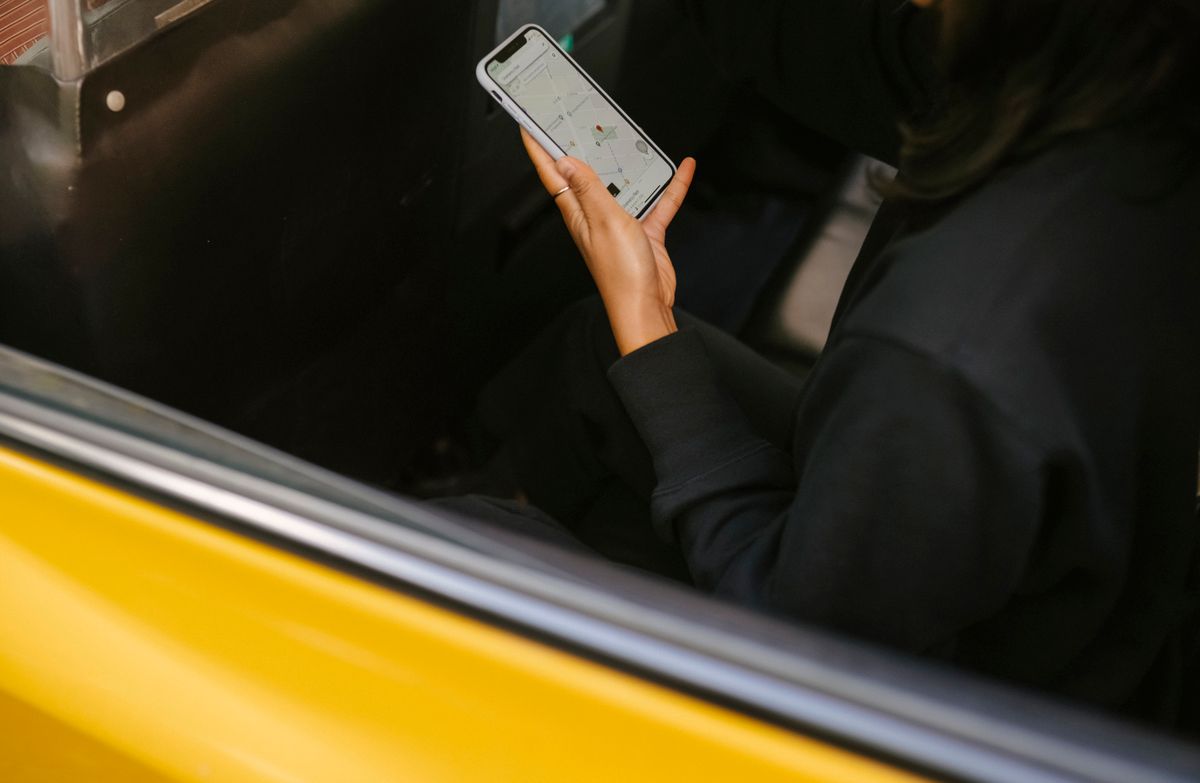
Most travel eSIM apps follow the same steps:
- Download the app from the App Store or Google Play and create an account.
- Choose your destination and a data plan. Plans are prepaid, with a set amount of data and a validity period.
- Pay in the app.
- Install the eSIM. The app hands the eSIM to your phone's own eSIM setup, and you confirm a few screens. Many apps also give you a QR code you can scan from another screen.
- Turn it on when you arrive. Pick the travel eSIM for mobile data and make sure data roaming is on for that line.
- Track your data and top up in the app if you need more.
Your phone needs to be online to download the eSIM. Apple asks you to connect to Wi-Fi or a hotspot, so install it at home or at the airport before you fly (Apple).
Do you need an app to use an eSIM?
No. An app is one way to install an eSIM, not the only one. Apple lists several ways to add an eSIM on iPhone: a carrier app, a QR code, a link from your provider, or entering the details by hand (Apple: Set up eSIM on iPhone). Android phones also let you add an eSIM from Settings.
Installing with an app
- Everything is in one place: buying, installing, data usage and top-ups.
- No need for a second screen to scan a QR code.
- You need to download the app and usually create an account.
Installing with a QR code
- No app to download. You buy on a website and get the QR code by email.
- You scan it from another screen, like a laptop or a printout.
- Only one phone? On iPhone with iOS 17.4 or later, press and hold the QR code in the email or browser and tap Add eSIM (Apple). Or enter the code by hand: here's how to install an eSIM manually.
Both give you the same eSIM. If you only travel once in a while, the QR code is often all you need. If you travel often or like to watch your data, an app is more convenient. Still choosing between a SIM card and an eSIM? Compare the best international SIM cards for your trip.
How to install a travel eSIM on iPhone and Android
Before you buy, check two things. Your phone must support eSIM (how to check eSIM compatibility) and it must be unlocked. On iPhone, go to Settings > General > About and look for "No SIM restrictions" next to Carrier Lock (Apple). Not sure what that means? Read what a carrier-locked phone is.
iPhone
- Connect to Wi-Fi.
- From an app: tap install in the app and follow the steps on screen.
- From a QR code: open the Camera app, scan the code and tap the Cellular Plan Detected notification. Or go to Settings > Cellular > Add eSIM and tap Use QR Code.
- Tap Continue, then Add Cellular Plan. Give the new line a name like "Travel".
Depending on your region, the menu is called Cellular or Mobile Data. On iOS 26 or later, your iPhone may show a Turn On Travel eSIM notification when you arrive, and let you keep your home line on at the same time (Apple).
Samsung Galaxy
- Connect to Wi-Fi.
- Go to Settings > Connections > SIM manager and tap Add eSIM.
- Tap Scan QR code and scan the code, or install from your eSIM app.
- Restart your phone if asked (Samsung: SIM cards for your Galaxy).
Google Pixel and other Android phones
- Connect to Wi-Fi.
- Go to Settings > Network & internet > SIMs, tap Add SIM, then Set up an eSIM (Pixel Phone Help).
- Follow the steps and scan the QR code when asked.
Menu names change a little between Android brands and versions. Looking for an eSIM app for Android? Travel eSIM apps on Google Play work the same way as on iPhone.
What to look for in an eSIM app
Comparing eSIM apps? These points matter more than the design of the app:
- Your destination is covered, ideally with a regional plan if you visit several countries.
- Data-only or phone number: most travel eSIMs are data only. You call and text over the internet with apps like WhatsApp. Need a real number? Check before you buy.
- Clear plan details: data amount, validity, and when the validity starts.
- Data usage and top-ups: can you see what you have left and add data without a new eSIM?
- A QR code as backup: handy if you want to install from another screen or the app gives you trouble.
- Support you can reach while you're abroad, and a clear refund policy if the eSIM doesn't work.
- The official app: download it from the App Store or Google Play, from the provider's own listing.
The SimOptions app and other ways to install

SimOptions has a mobile app, SimOptions: Travel eSIM & Data App, on the App Store and Google Play. You can also do everything on the website. Pick what suits you.
With the SimOptions app
- Choose your destination and a data plan.
- Pay by card, or with Apple Pay on iPhone.
- Install the eSIM directly on your phone, or scan the QR code from another screen.
- See your data usage and remaining validity, and top up compatible eSIMs without a new QR code.
- Sign in with Google, Apple or your email.
On the SimOptions website
- Buy your eSIM on the destinations page. You get the QR code by email right away. The activation code for manual setup is in the PDF attached to the email.
- Scan the QR code from your phone's settings, as shown above.
- Check your data and buy a top-up on the Check Usage & Top Up page, with your order number and email.
Either way, remember to turn on data roaming for the eSIM when you arrive, and install it shortly before you leave. Questions? Our help center has the answers.
Pick a travel eSIM for your trip
Going to Europe, the USA or Canada? These data-only eSIMs install from the app or from an email QR code. You keep your usual line for calls and texts.
Europe, USA and Canada plans shown · data-only eSIMs, no phone number · Find the eSIM for your destination
Need a phone number in Europe too? This Bouygues Telecom eSIM comes with a French +33 number for calls and texts, plus data across Europe. See all options on our Europe eSIM page.
FAQs
What is an eSIM app?
It's an app that lets you buy and install an eSIM on your phone and manage it: check your data, top up and get help. Travel eSIM apps sell prepaid data plans for trips abroad.
Do I need an app to use an eSIM?
No. You can install most eSIMs with a QR code or by entering the activation details in your phone's settings. An app just makes buying, tracking and topping up easier.
Does SimOptions have an app?
Yes. The SimOptions app is available on the App Store and Google Play. You can also buy on simoptions.com and install your eSIM from the QR code you get by email.
Which eSIM app is best for Android?
It depends on where you're going. Pick an app with a plan for your destination, clear data and validity details, top-ups and a QR code as backup. Download it from Google Play and check that your phone supports eSIM and is unlocked.
Can I install an eSIM without a second phone or screen?
Yes. Install from the app, or on iPhone with iOS 17.4 or later, press and hold the QR code in the email and tap Add eSIM. On any phone, you can also enter the SM-DP+ address and activation code by hand.
Will a travel eSIM app give me a phone number?
Usually not. Most travel eSIMs are data only, so you call and text with apps like WhatsApp or FaceTime. Some plans, like the Bouygues Telecom eSIMs on SimOptions, include a French +33 number.
Can I keep my home number while using a travel eSIM?
Yes, on phones that support two lines. Apple says you can use your home line and a travel eSIM at the same time. Keep in mind that roaming charges can apply on your home line if it stays on (Apple).