


The tech gear every traveler should pack is short: an unlocked phone with an eSIM for mobile data, a power bank in your hand luggage, the right plug adapter for your destination, a charger and cables, and a way to back up your photos. The one item with strict rules is the power bank. Airlines treat it as a spare lithium battery, so it must travel in the cabin with you, never in checked luggage. Below you get the full checklist, the official airline battery rules and what to check before you fly.
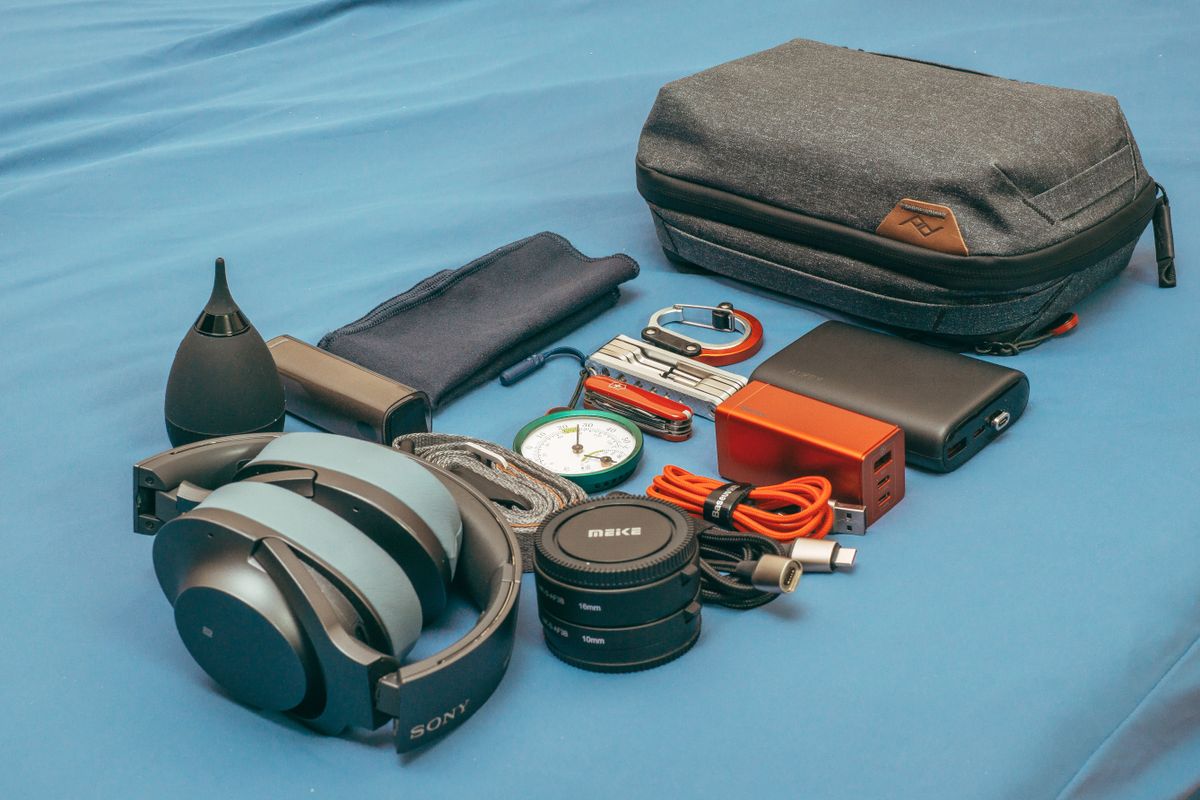
The Tech Gear Checklist at a Glance
- Smartphone: unlocked and eSIM ready, with your travel eSIM installed before you leave.
- Power bank: in your hand luggage, within your airline's size and quantity limits.
- Plug adapter: the plug type used at your destination, plus a charger that accepts the local voltage.
- Charger and cables: one charger with several ports saves space and outlets.
- Earphones: for flights, trains and calls in noisy places.
- Backup: cloud backup or a small external drive for photos and documents.
Smartphone: Unlocked and eSIM Ready
Your phone is your map, ticket wallet, translator and camera, so it is the first thing to get ready. Two checks matter most: the phone must support eSIM, and it must not be locked to your home carrier.
Check that your phone supports eSIM
On iPhone, Apple lists the iPhone XS, iPhone XS Max, iPhone XR and later models as eSIM capable. For Android phones and other models, look up yours in our list of eSIM compatible devices or follow our guide on how to check eSIM compatibility.
Check that your phone is unlocked
A travel eSIM from another provider only works on a phone that is not locked to a carrier. On iPhone, Apple says to open Settings, tap General, then About: if the phone is unlocked, "No SIM Restrictions" appears next to Carrier Lock. If it is locked, ask your carrier to unlock it well before your trip.
Why an eSIM belongs on the list
With an eSIM you don't need to find, carry or swap a physical SIM card, and Apple notes that an eSIM can't be removed if your phone is lost or stolen. On supported iPhone models you can have two eSIMs active at the same time, for example your home number on one and a travel data plan on the other. Install the eSIM at home while you have Wi-Fi, as Apple says the iPhone needs a Wi-Fi network or hotspot to set it up. The steps are in our eSIM installation guide, and our guide to preparing your phone for international travel covers roaming settings, offline maps and backups.
Pick a data plan that covers your destination and lasts for your whole trip. These are popular data-only plans for Europe, the USA and Japan:
Going somewhere else? Find the plan for your country on our destinations page, or go straight to the Europe eSIM, USA eSIM or Japan eSIM pages.
Power Bank: The Airline Rules You Need to Know
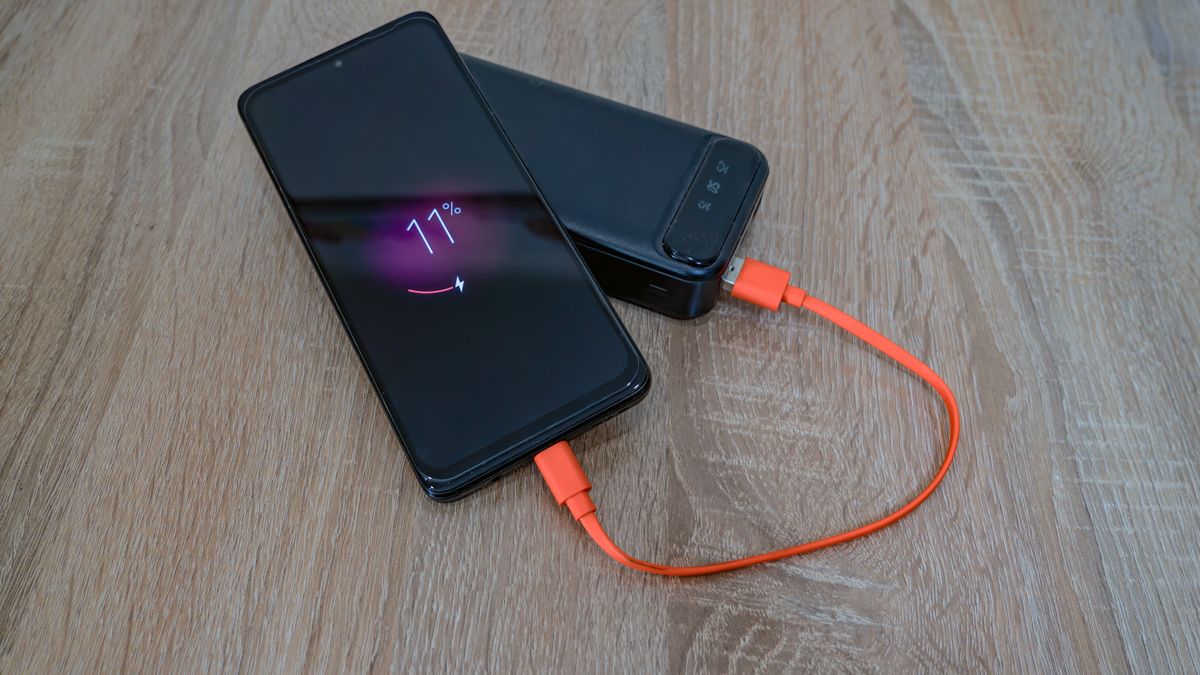
A power bank keeps your phone alive through long travel days, delays and layovers. It is also the item most likely to cause trouble at the airport, because lithium batteries can overheat and catch fire. These rules come from the US Federal Aviation Administration (FAA) and the UK Civil Aviation Authority (CAA). Airlines can set stricter limits, so always check your airline's own rules too.
Hand luggage only
Power banks and other spare lithium batteries must go in your carry-on bag, never in checked luggage. The FAA adds that if your cabin bag is checked at the gate or at the plane, you must take the power banks and spare batteries out and keep them with you in the cabin. Protect the terminals from short circuits, for example by keeping each battery in its retail packaging, in a battery case or in a separate plastic bag or pouch.
Size limits in watt hours
- Up to 100 Wh: allowed without airline approval. This covers most phone power banks and laptop batteries.
- Over 100 Wh and up to 160 Wh: only with your airline's approval.
- Over 160 Wh: not allowed in passenger baggage.
Most power banks show the Wh rating on the case. If yours only shows mAh, the FAA and CAA give the same formula: multiply the voltage by the mAh and divide by 1,000. For example, a 20,000 mAh power bank rated at 3.7 V works out at 74 Wh, well under the 100 Wh limit.
How many power banks you can take
The UK CAA allows no more than two power banks per person. In the US, the FAA sets no quantity limit for batteries up to 100 Wh carried for personal use, and a limit of two spare batteries per person in the 100 to 160 Wh range. The FAA also warns that many airlines, domestic and international, have stricter rules on how many power banks each passenger can bring, whatever their size.
Using a power bank during the flight
The CAA says not to recharge a power bank on board, and to check first that your airline allows you to use one during the flight. You may be asked to keep it in the seat pocket rather than in the overhead locker. If a power bank or device gets hot, swells or smokes, stop charging it and tell the cabin crew straight away. Damaged or recalled batteries must not be carried on a plane at all.
Travel Adapter and Charger
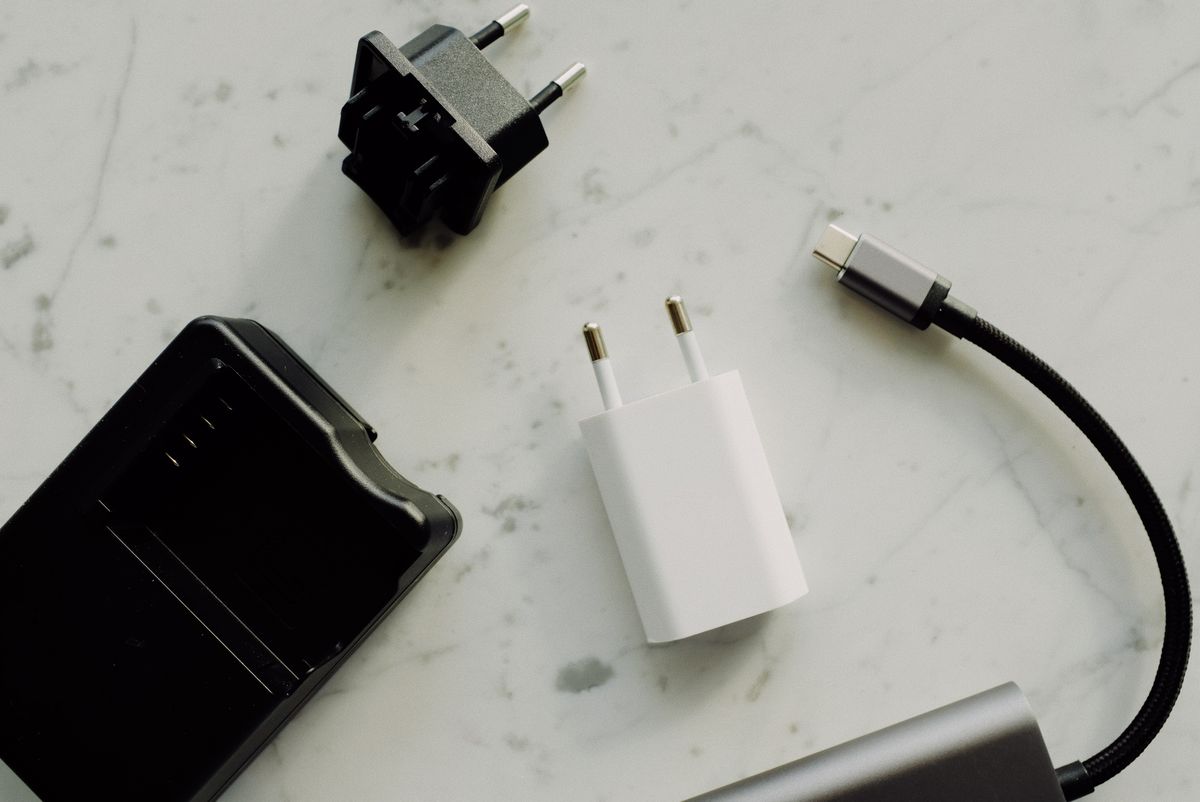
Plugs and power outlets differ between countries, and they are grouped by type. Apple gives these examples:
- Type A: North America and Japan (two flat, parallel blades).
- Type C: Continental Europe and Brazil (two round, thin pins).
- Type D: India (two round, thick pins).
- Type G: United Kingdom, United Arab Emirates, Saudi Arabia and Singapore (three blades).
- Type I: Australia and New Zealand (two flat, angled blades).
A plug adapter only changes the shape of the plug. It does not convert voltage or frequency. That is why the charger matters too: check the input printed on it before you go. Apple's USB power adapters, for example, are designed for 100 to 240 V at 50 to 60 Hz, so they work in most countries with just a plug adapter. Apple also points out that power spikes and brownouts can damage electronics, so a charger from a reputable brand that meets safety standards is worth it.
To save outlets in hotel rooms and airports, pack one charger with several USB ports instead of a separate charger for each device.
Cables, Earphones and Backup
Cables
Bring a cable for every device you charge, plus one spare, as cables are easy to leave behind in hotel rooms. Short cables are fine for a power bank and take up less space.
Earphones
Earphones make long flights and train rides easier and help you take calls in busy places. If you use wireless earphones, charge them before you leave, along with their case.
Backup for photos and documents
Your phone fills up fast with photos and videos, and losing it means losing them. Turn on cloud backup before you travel, or bring a small external drive to copy your photos to. Save copies of your passport, bookings and insurance documents in the cloud as well, so you can reach them from any device.
Before You Fly: Final Checks
- Charge everything: the UK government says that at UK airports, if your device does not switch on when you are asked, you will not be allowed to take it onto the plane.
- Check your airline's rules: look up its limits on power banks before you pack.
- Install your eSIM: set it up at home on Wi-Fi, and turn it on when you land.
- Pack smart: power bank and spare batteries in your hand luggage, adapter where you can reach it on arrival.
For the rest of your bag, see our vacation packing list with 9 must-have items, and for the apps worth installing before you go, read our guide to the best travel apps. Safe travels!

