
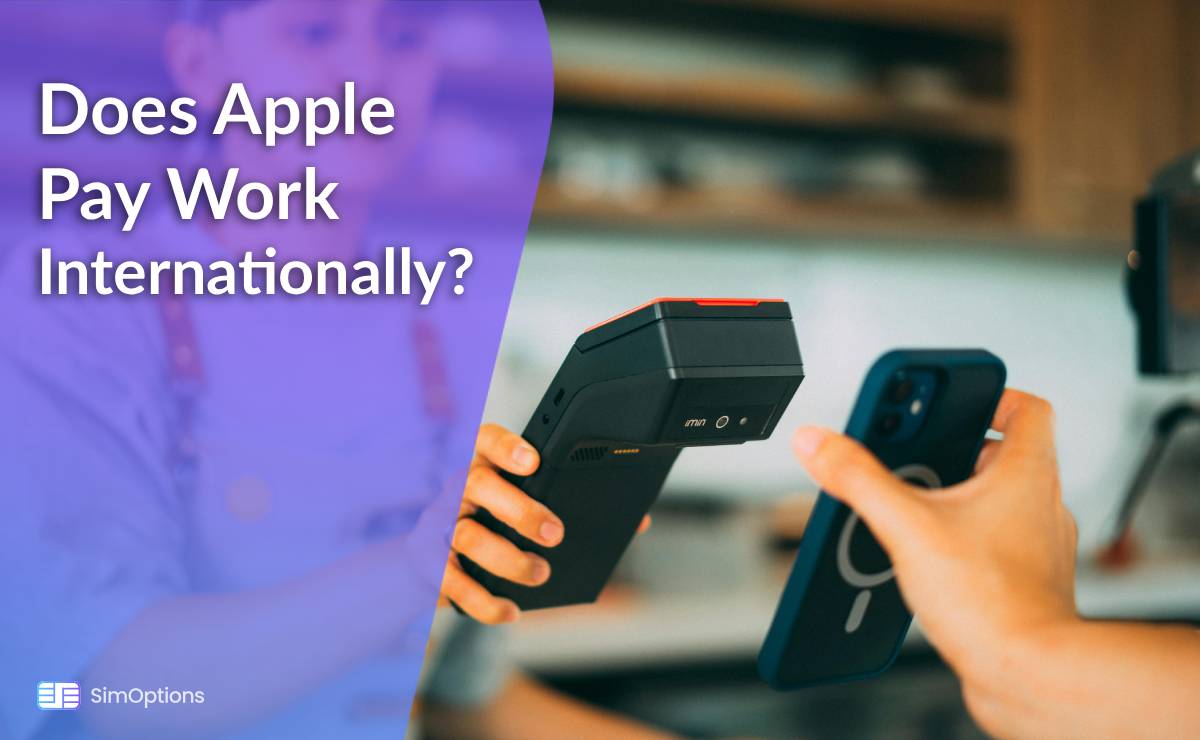

Picture this: You are standing in a bustling London market, ready to bite into a warm, flaky pastry, or perhaps you are in Tokyo, about to board the sleek Shinkansen bullet train. You reach for your wallet, then pause. Can I use Apple Pay here?
As digital wallets like Apple Pay revolutionize how we pay, this question is more relevant than ever for travelers, expats, and international shoppers. The short answer? Yes, Apple Pay does work internationally, but with a few important caveats.
In this guide, we will walk you through everything you need to know: where it works, how to use it smoothly, and what to do when it does not go as planned.
How Apple Pay Works Internationally: The Basics
Apple Pay uses Near Field Communication (NFC) technology, the same contactless payment system accepted worldwide. When you hold your iPhone or Apple Watch near a payment terminal, it communicates securely with the reader, just like tapping a physical card.
There is no extra fee from Apple for international transactions. Exchange rates are handled by your card issuer (like Visa or Mastercard), so you will pay the same rate as with your physical card, plus any foreign transaction fees your bank may charge.
Where is Apple Pay Accepted?
Apple Pay is available in over 70 countries and regions, from the United States and across Europe to Singapore and Australia. It is supported wherever you see the contactless payment symbol or Apple Pay logo.
You can use it at:
• Retail chains (like Starbucks, McDonald’s, Uniqlo)
• Grocery stores
• Public transport systems (e.g., Transport for London, Suica in Japan)
• Hotels, taxis, and even vending machines in tech-savvy cities
However, acceptance is not universal. Smaller local shops or markets in countries with lower digital payment adoption (like parts of Latin America or rural Asia) might not accept it.
Preparing to Use Apple Pay Abroad
A little prep goes a long way:
• Notify Your Bank: Avoid declined transactions by telling your bank your travel dates.
• Check Card Compatibility: Not all U.S. cards work everywhere. Confirm with your bank.
• Add a Backup Card: Have more than one card in your Apple Wallet in case one fails.
• Pro Tip: Make sure your device is updated to the latest iOS version for smoother performance.
Step-by-Step: Using Apple Pay Overseas
Using Apple Pay abroad is as simple as at home:
• Double-click your side button (iPhone) or press your Apple Watch button.
• Glance at the screen for Face ID or enter your passcode.
• Hold your device near the terminal until you feel a vibration or hear a beep.
• For transit: In cities like London or Tokyo, you can tap your device at subway gates without even waking your phone.
Potential Challenges & Solutions
Even with its advanced technology, you might encounter a few setbacks while using Apple Pay abroad. Being prepared ensures a smooth experience.
1. “Card Not Accepted” or Declined Transactions:
This is often a security measure from your bank, not a problem with Apple Pay. Financial institutions frequently flag overseas transactions as suspicious to prevent fraud. A simple pre-travel phone call to your bank to inform them of your itinerary can avoid this frustrating blockage. Many banks also allow you to set travel notices directly through their mobile app.
2. No NFC Terminal:
While contactless payments are the norm in many countries, some smaller towns, local markets, or specific merchants might only accept cash or chip-and-PIN cards. This is why it is crucial to carry a physical backup card and a small amount of local currency. Do not assume every vendor will be equipped for digital wallets.
3. Poor Connectivity:
A common concern is whether mobile data is necessary to make a payment. The good news is that it is not required. Apple Pay utilizes NFC (Near Field Communication) technology, which allows for offline transactions in stores. Your phone communicates directly with the payment terminal without needing an internet connection. However, you will need connectivity to add new cards or view recent transactions in your Wallet app.
Security Tips for International Use
Using Apple Pay abroad is often safer than using a physical card, thanks to its built-in security architecture.
• Tokenization is Key
When you make a payment, merchants never see your actual credit or debit card number. Instead, Apple Pay uses a unique, encrypted "Device Account Number" (a process called tokenization) to process the transaction. This means your financial details are never stored on a merchant's server or shared at the point of sale, drastically reducing the risk of theft or skimming.
• Biometric Authentication
Every transaction must be authorized with Face ID, Touch ID, or your device passcode. This adds a powerful layer of security that a signature or even a PIN cannot match. Even if someone gets hold of your phone, they cannot make a payment without your biometric data or code.
• Lost or Stolen Device
If you lose your iPhone or Apple Watch while traveling, you can act quickly. Use the Find My app on another Apple device or via iCloud.com to instantly put your device in Lost Mode, which will lock it and suspend Apple Pay functionality. You can also remotely erase the device to protect your personal information.
Apple Pay is a secure, convenient, and increasingly universal payment method used around the world. While it may not completely replace cash or cards just yet, it serves as a valuable tool for modern travelers. So next time you are abroad, use it with confidence and enjoy the simplicity of making payments with just a touch.
FAQs
Does Apple Pay charge foreign transaction fees?
No, but your bank might. Check with them beforehand.
Can I use Apple Pay without Wi-Fi or cellular data?
Yes! NFC payments work offline.
What if my home country doesn’t support Apple Pay?
Unfortunately, you can’t set up Apple Pay while abroad if your bank or region doesn’t support it.
Which banks support international Apple Pay usage?
Most major global banks do, like Chase, HSBC, Barclays, and Citibank, but always confirm with your issuer.