

An eSIM and a physical SIM do the same job: they connect your phone to a mobile network for calls, texts and data. The difference is the form. A physical SIM is a small removable card you put in a tray. An eSIM is a chip built into your phone, and you download your plan onto it instead of inserting a card. Neither one is better for everyone. This guide compares the two side by side, lists the pros and cons of each, and helps you choose the right one for your phone, your carrier and your trips.
What is a physical SIM?
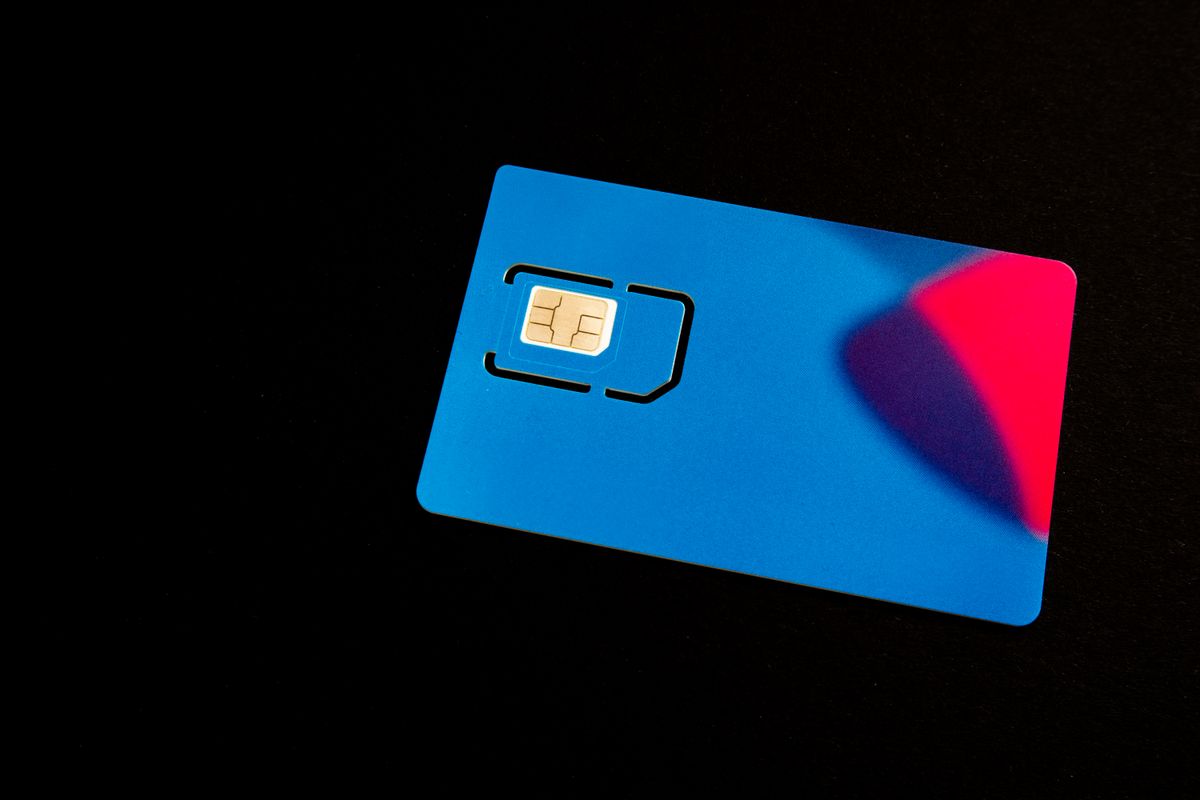
A physical SIM is the classic SIM card: a small plastic card with a gold chip that slides into a SIM tray on the side of your phone. Most phones today use the smallest size, the nano-SIM. The card holds the details that identify you to your carrier, so your phone can join its network.
Because it's a card, you can take it out and put it in another unlocked phone. Want to know more about sizes and types? See the different types of SIM cards explained.
What is an eSIM?
eSIM stands for embedded SIM. Apple describes it as "an industry-standard digital SIM" built into your iPhone (Apple: Set up eSIM on iPhone). Samsung calls it a digital SIM that lets you use mobile service without a physical SIM card (Samsung: Galaxy eSIM).
The chip itself is called an eUICC. The GSMA, the mobile industry body that writes the eSIM standard, defines it as a chip that can manage SIM profiles securely (GSMA SGP.21). Each plan you add is a profile. You install it by scanning a QR code, through your carrier's app, or by transferring it from your old phone. New to eSIM? Start with what an eSIM is and how it works.
eSIM vs physical SIM: side-by-side comparison
Here's how the two compare on the points that matter most in daily life and on trips.
Setup
- eSIM: you download the plan to your phone with a QR code, a carrier app or a transfer. No shop visit or delivery needed, but your phone needs an internet connection during setup in most cases.
- Physical SIM: you get the card from a shop or by post, open the SIM tray with a pin and put it in.
Switching phones
- eSIM: you move it with a built-in transfer tool or ask your carrier for a new eSIM. iPhone has eSIM Quick Transfer (Apple), Pixel can transfer a SIM to a new phone (Google) and Samsung has eSIM Instant Transfer. Availability depends on your carrier.
- Physical SIM: you take the card out and put it in the new phone. It works right away if the new phone is unlocked and takes the same SIM size.
Travel
- eSIM: you can buy and install a travel eSIM before you leave and keep your home SIM in the phone. Apple notes you can use one line for your home number and another for the place you're visiting (Apple: Use eSIM while traveling).
- Physical SIM: you buy a local SIM when you land, often at the airport or a shop. On a single-SIM phone, you take your home SIM out, so your home number is off until you put it back.
Number of lines
- eSIM: one phone can store several eSIMs. iPhone can store eight or more and use two at the same time (Apple: iPhone Air specs). Pixel 7 and later can use two eSIM profiles at once where the carrier supports it (Google: Use dual SIMs).
- Physical SIM: one card per SIM slot. Most phones have one slot, some have two.
Loss, theft and security
- eSIM: there's no card to drop, lose or damage, and nobody can pull it out of your phone and use it in another one. If your phone breaks or is stolen, your carrier needs to issue a new eSIM.
- Physical SIM: a card can be lost or damaged, and a thief can move it to another phone. A SIM PIN protects against that, and you can set one on both SIM types (Apple: Use a SIM PIN).
One thing an eSIM doesn't stop on its own: SIM swapping. In this scam, someone convinces your carrier to move your number to a new SIM or eSIM. The FCC notes scammers do this "without ever gaining physical control" of your phone (FCC). So the protection is on your carrier account, whichever SIM type you use. More on that in our guide to SIM swapping.
Phone support
- eSIM: needs a phone that supports eSIM, such as iPhone XS, XR or later (Apple), Pixel 3a or later, and many recent Samsung Galaxy and other Android phones. Check yours in our list of eSIM supported devices. Your carrier must support eSIM too.
- Physical SIM: works in almost any phone with a SIM tray, including older and basic phones.
Phones without a SIM tray
Some phones now only take eSIM. Apple says iPhone 14 and later models bought in the United States can only be activated with an eSIM, and that iPhone 17 models without a physical SIM tray work the same way (Apple: Remove or switch the SIM card). The iPhone Air is eSIM only and doesn't support a physical SIM (Apple). If you have one of these phones, the choice is made for you.
Pros and cons of an eSIM
Advantages of eSIM
- No card to lose, break or swap.
- Install a plan in minutes, from anywhere, without a shop.
- Keep several plans on one phone and switch between them in settings.
- Keep your home number active while you use a travel eSIM for data.
Disadvantages of eSIM
- You can't pop it out and put it in another phone in seconds.
- Older phones and some carriers don't support it.
- Moving to a new phone depends on your carrier's transfer options.
- If you delete an eSIM by mistake, you usually need a new one from your carrier.
Pros and cons of a physical SIM
Advantages of physical SIM
- Works in nearly every phone with a SIM tray, old or new.
- Move your number to another phone by swapping the card.
- Easy to buy in shops and airports in most countries.
Disadvantages of physical SIM
- The card can get lost, damaged or taken out by a thief.
- You need to get the card in person or wait for delivery.
- On a single-SIM phone, a local SIM abroad replaces your home number.
- Some new phones, such as iPhone Air, have no SIM tray at all.
eSIM or physical SIM: which should you choose?
Pick based on your phone, your carrier and how you use your line. Still comparing options for a trip? See the best international SIM cards, SIM card or eSIM.
Choose an eSIM if
- Your phone supports eSIM, or has no SIM tray.
- You travel and want data abroad without giving up your home number.
- You want two lines on one phone, for example work and personal.
- You want to set up a new plan without visiting a shop.
Stay with a physical SIM if
- Your phone or your carrier doesn't support eSIM.
- You often move your SIM between phones.
- You prefer buying a prepaid SIM in person.
Many people use both. On a phone with a SIM tray and eSIM support, you can keep your home number on the physical SIM and add a travel eSIM for data on your trip. See how to set up and manage dual SIM with eSIM.
Try an eSIM on your next trip
A travel eSIM is an easy way to see how eSIM works without touching your home SIM. You install it before you leave, it runs next to your usual line, and you switch mobile data to it when you land. These plans are data only, so you keep your own number for calls and texts. Another option is a pocket router, covered in what a portable Wi-Fi router is and how it compares with an eSIM.
Europe, the United States and Asia · data only, no phone number · See all destinations
How to switch from a physical SIM to an eSIM
You can usually turn your current SIM into an eSIM without changing your number or carrier. On many iPhones and Android phones you do it in settings, if your carrier supports it. Otherwise your carrier can send you an eSIM QR code. We cover every option in our guides to convert a physical SIM to eSIM and switch from a SIM card to eSIM.
FAQ
Is an eSIM better than a physical SIM?
Not for everyone. An eSIM is handier for travel and for using two lines, and there's no card to lose. A physical SIM is easier to move between phones and works in older phones. Both give you the same calls, texts and data.
Is an eSIM the same as an embedded SIM?
Yes. eSIM is short for embedded SIM. The chip inside the phone is called an eUICC, and the plans you download onto it are called profiles.
Can I use an eSIM and a physical SIM on the same phone?
Yes, on phones with a SIM tray and eSIM support. Apple says Dual SIM with a physical SIM and an eSIM works on all supported iPhones (Apple: Use Dual SIM with an eSIM). Pixel 3a and later can do the same.
What is the difference between dual SIM and eSIM?
Dual SIM is a phone feature: the phone can use two lines at once. eSIM is a type of SIM. A dual SIM phone can combine a physical SIM and an eSIM, two eSIMs, or two physical SIMs, depending on the model.
Is an eSIM safer against SIM swapping?
Not by itself. SIM swapping happens through your carrier account, not your phone. Protect your account with a strong carrier PIN or password, and ask your carrier about a number lock if it offers one.
Does roaming work differently with an eSIM?
No. Roaming is part of your plan, not of the SIM type, so your carrier's roaming rules apply in the same way on a physical SIM or an eSIM. What an eSIM adds is the option to install a separate travel data plan next to your home line.
Does an eSIM have a phone number?
It depends on the plan. A plan from your carrier usually comes with your number. Many travel eSIMs, like the ones above, are data only.
Can I have eSIMs from different carriers?
Yes. You can store eSIMs from several carriers on one phone and turn them on and off in settings, as long as your phone is unlocked. A carrier-locked phone only works with that carrier's SIMs and eSIMs (Apple: Unlock iPhone for a different carrier).